Jul 1, 2018 10:27:49 GMT 1 pablo11 said:
After this we can use twrp and tasker, Greenify etc with reasonable results....
Awesome. Thanks! Yes, good for optimisation too as more detailed wake lock information, can see which processes and apps are waking the watch up unnecessarily.
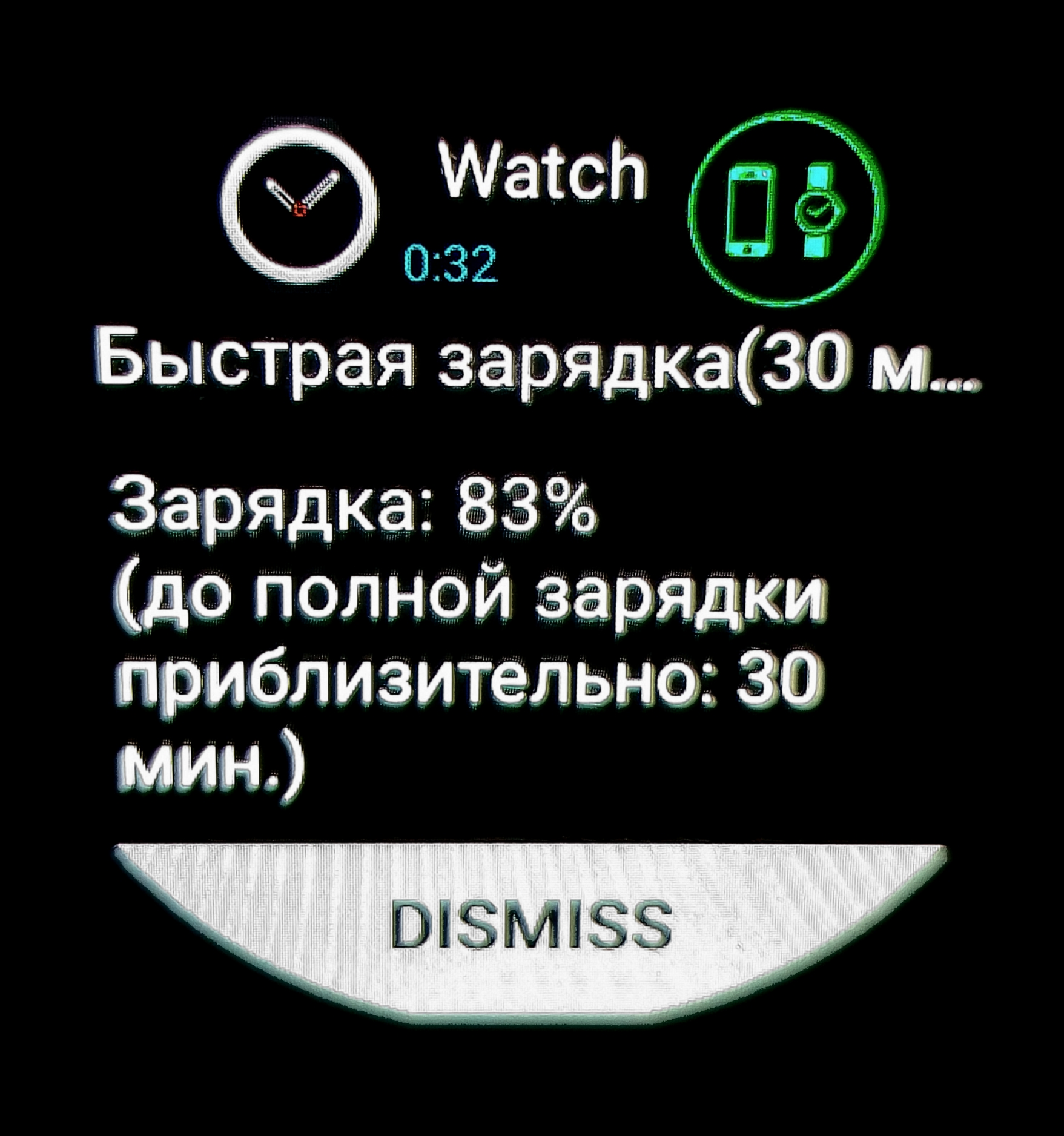
Hello! I need help! after the firmware, on the clock comes one message every 20 seconds, how to remove it? something about fast charging on the phone …
Jul 3, 2018 7:20:05 GMT 1 biker73 said:
dismiss it from the application on the phone and you wo'nt get notifications about it. on wiiwatch app.
Thank you! what about the wave of the hand? It does not work for me !((
2.2, 2.4 not work!
Jul 4, 2018 9:06:41 GMT 1 biker73 said:
Thank you! what about the wave of the hand? It does not work for me !((
2.2, 2.4 not work!
That's a shame.
Works ok for me.
Did you manually flash 2.4 or take the OTA?
If you took the OTA did you factory reset after?
Jul 4, 2018 9:06:41 GMT 1 biker73 said:
Thank you! what about the wave of the hand? It does not work for me !((
2.2, 2.4 not work!
That's a shame.
Works ok for me.
Did you manually flash 2.4 or take the OTA?
If you took the OTA did you factory reset after?
I am manuality flash, and did factory reset...no work((
Jul 4, 2018 11:25:19 GMT 1 biker73 said:
Jul 4, 2018 9:50:05 GMT 1 pablo11 said:
That's a shame.
Works ok for me.
Did you manually flash 2.4 or take the OTA?
If you took the OTA did you factory reset after?
I am manuality flash, and did factory reset...no work((
What settings do you use in SP Flash Tools?
Download only or Firmware Upgrade?
Which version of the Flash Tool do you use?
Jul 4, 2018 11:25:19 GMT 1 biker73 said:
I am manuality flash, and did factory reset...no work((
What settings do you use in SP Flash Tools?
Download only or Firmware Upgrade?
Which version of the Flash Tool do you use?
version of the flashtool from the archive with the firmware! Setting use only download
biker
it should be upgrading. it was my mistake too, i did’nt change to upgrade:/
biker, the watch is fine but lost 3g and gps not working well so i have to check this out on the weekend.
I always use Firmware Upgrade in SP Tools with firmware designed for watch I am flashing.
It cleans the system partition before flash but download only does not.
I only have issues with 3G if I don’t select it manually. The watch is set to default to 2G. So it appears that cell is not working. But if you go into cellular settings and select 3g it will be fine
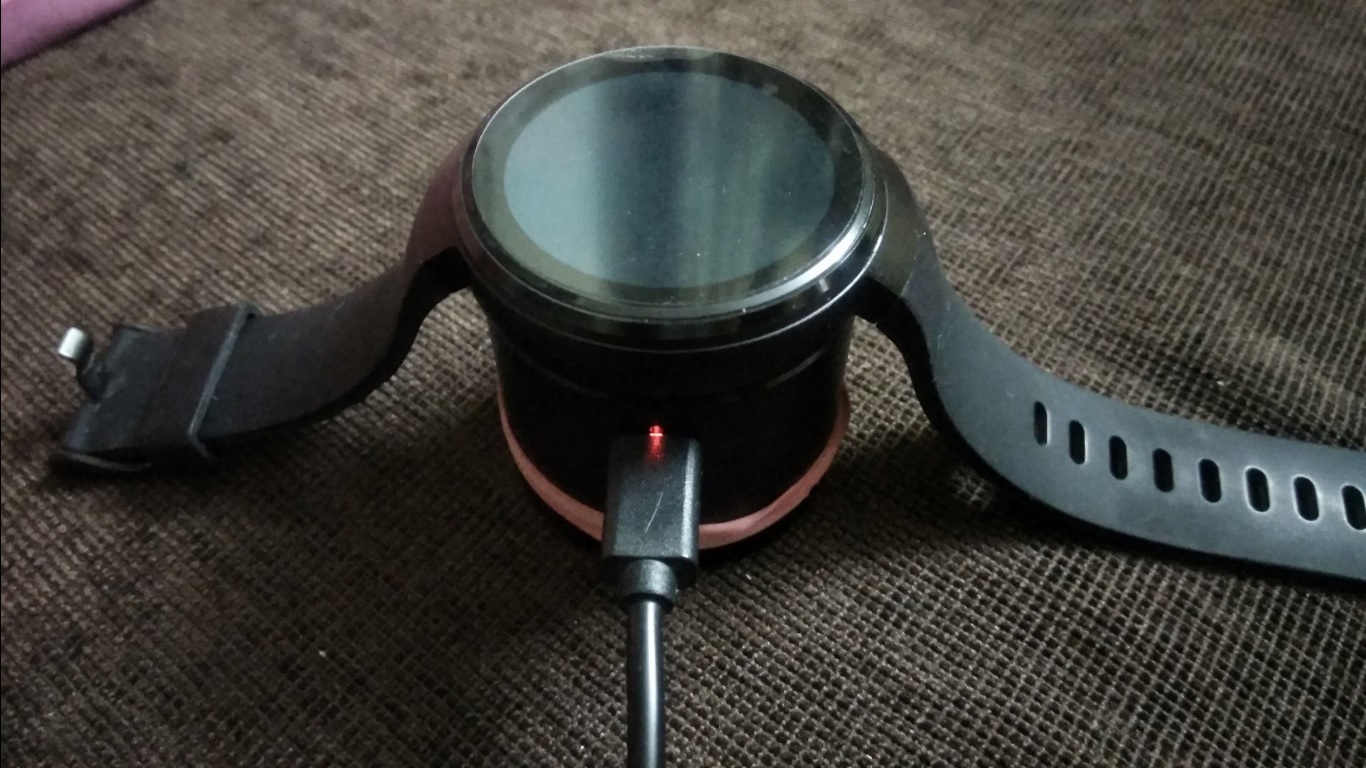
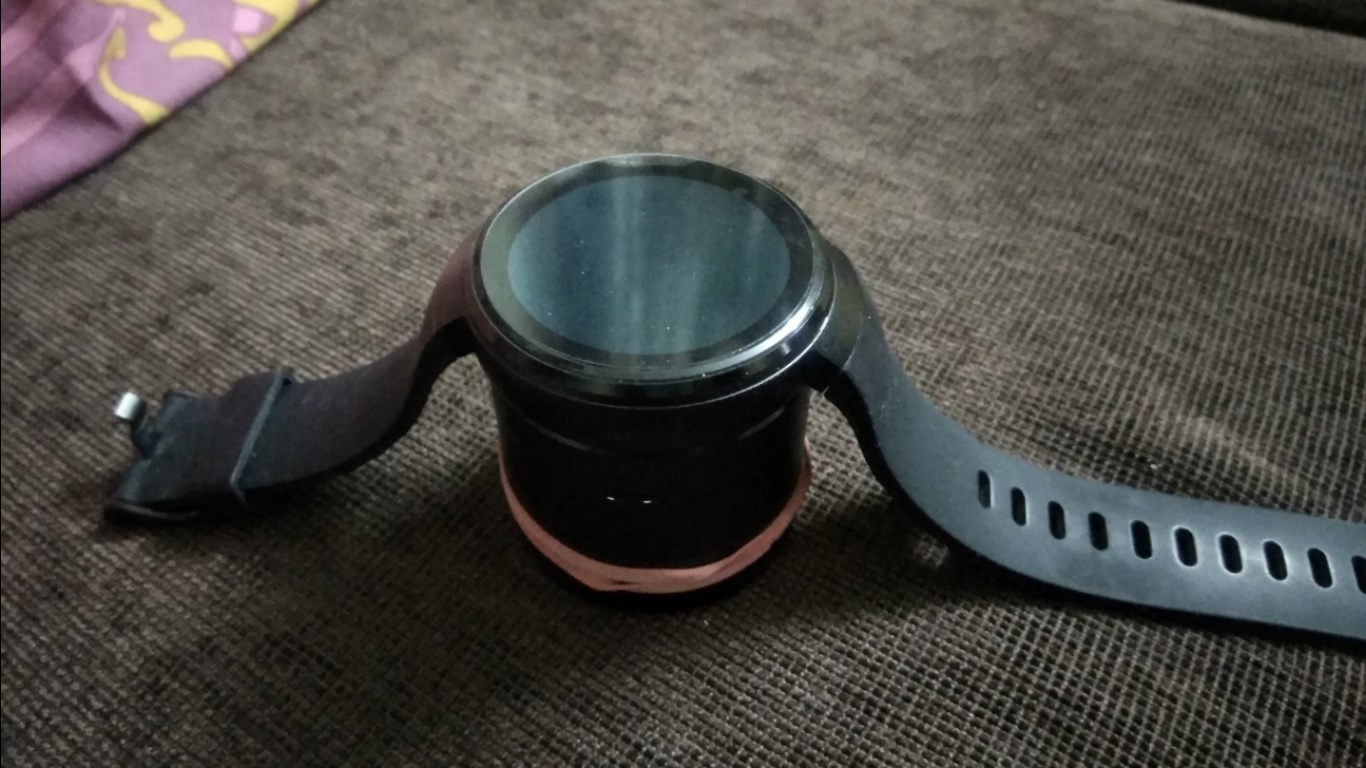
Hello Pablo and Sophie - I have an issue with LEM7 which need help. I observed that when it gets discharged completely, it does not switches on even after being placed on charging dock. Earlier, I saw this happening when charge left was 1%, hence managed to recharge the watch and bring it back. However, now it got switched off (as battery reached 0%), and now it is not charging back and not switching on. what can I do?
You should leave it connected to the base. It may take a while to get enough charge to boot up.
Is there a little light on the charger where the cable is connected?
I left it connected both ways. i.e. 1) Watch on Power Bank (shows constant Red light) + USB plugged in socket, 2) Power Bank only (no USB) - but here no blue light as well. Earlier it used to show blue light when charging. This happened when the watch got fully discharged and I couldn’t charge it while it was in range of 1%-10% charge left
What to do next?
Jul 6, 2018 10:36:03 GMT 1 ashishaggarwal007 said:
I left it connected both ways. i.e. 1) Watch on Power Bank (shows constant Red light) + USB plugged in socket, 2) Power Bank only (no USB) - but here no blue light as well. Earlier it used to show blue light when charging. This happened when the watch got fully discharged and I couldn't charge it while it was in range of 1%-10% charge left
Have you swapped the usb cable?
No. Same original cable. I added screenshots in original post, please check
Jul 6, 2018 10:36:03 GMT 1 ashishaggarwal007 said:
I left it connected both ways. i.e. 1) Watch on Power Bank (shows constant Red light) + USB plugged in socket, 2) Power Bank only (no USB) - but here no blue light as well. Earlier it used to show blue light when charging. This happened when the watch got fully discharged and I couldn't charge it while it was in range of 1%-10% charge left
Have you swapped the usb cable?
Morning Pablo . Any word on the dodgy antenna’s in straps ? I’m a bit reluctant to open seal on straps to have a look ? What do you think 
Jul 6, 2018 10:53:02 GMT 1 ashishaggarwal007 said:
No. Same original cable. I added screenshots in original post, please check
Try swapping the cable at least. This is the first thing to try. Attach your phone to the same charger and check the results.
Have you tried holding the power button in for 40 seconds and see if you feel vibration or see screen activity… It normally forces a reboot.
If this does not work you can try flashing the firmware.
You need to install the required drivers included in the FW package here on the forum.
If this does not work you can talk to the people who sold it to you.