Universal Launcher V4.1 - Massive Update with 400+ Commits!

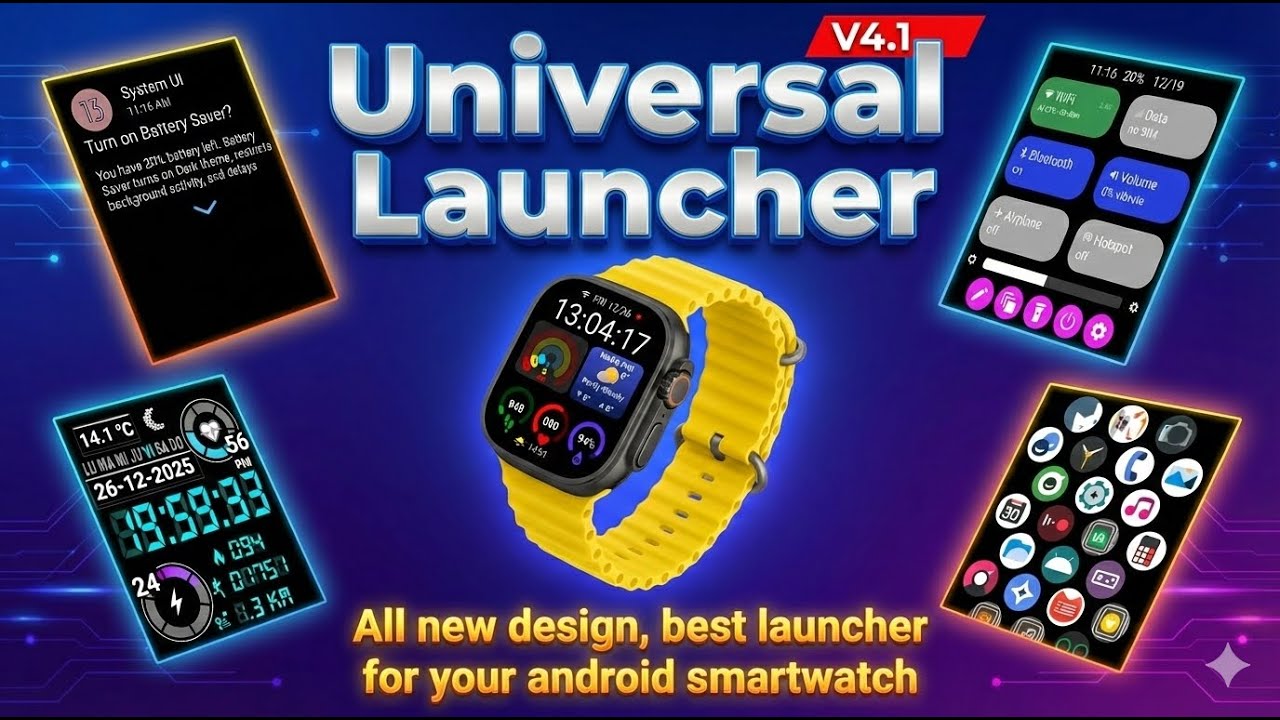
Universal Launcher V4.1 is here with the biggest update yet! Building on the excellent foundation of Universal Launcher V3.7 by @Eric_Crochemore, this new version brings 400+ commits of improvements including advanced rendering capabilities, modern UI redesign, enhanced device compatibility, and powerful new features!
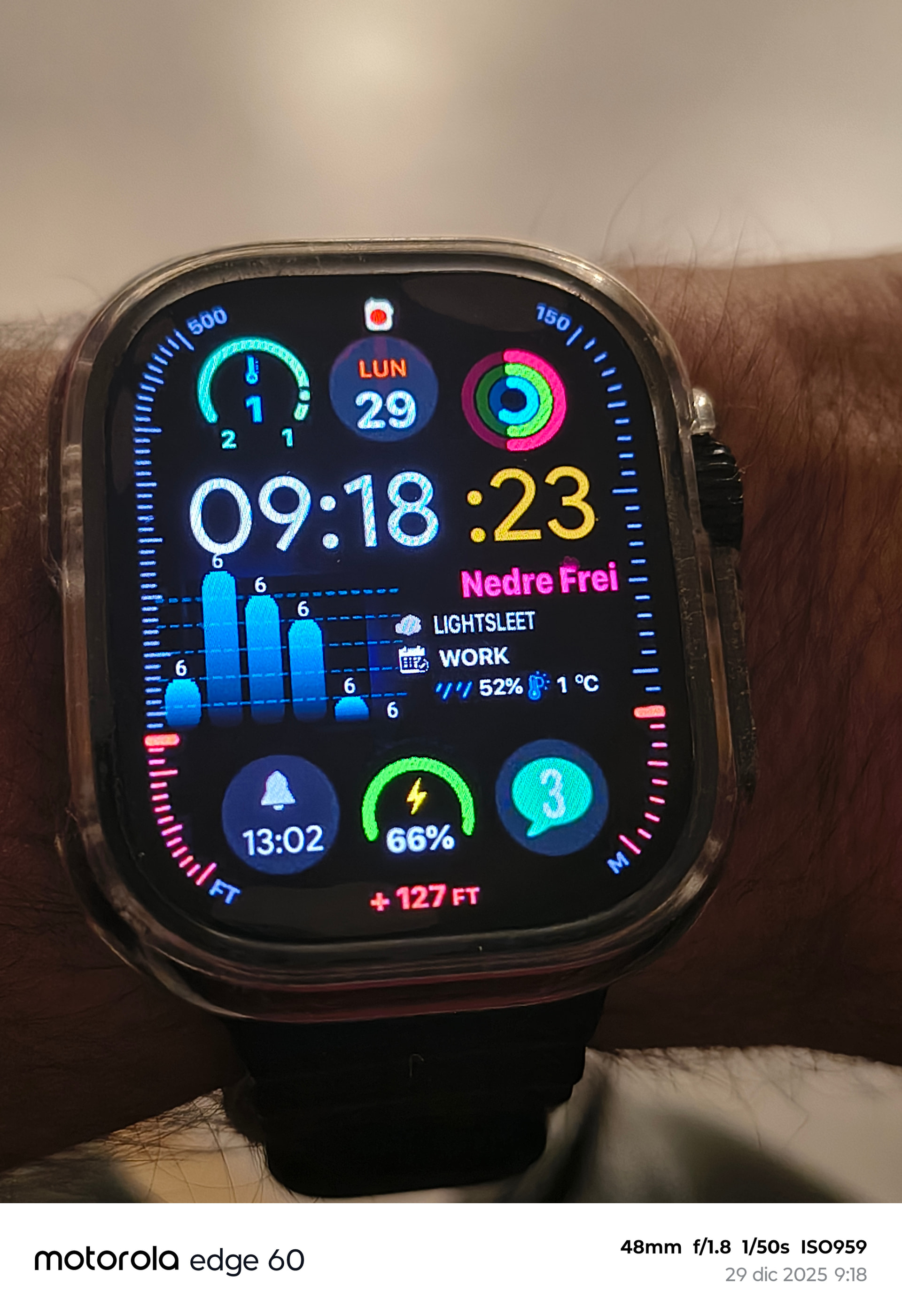
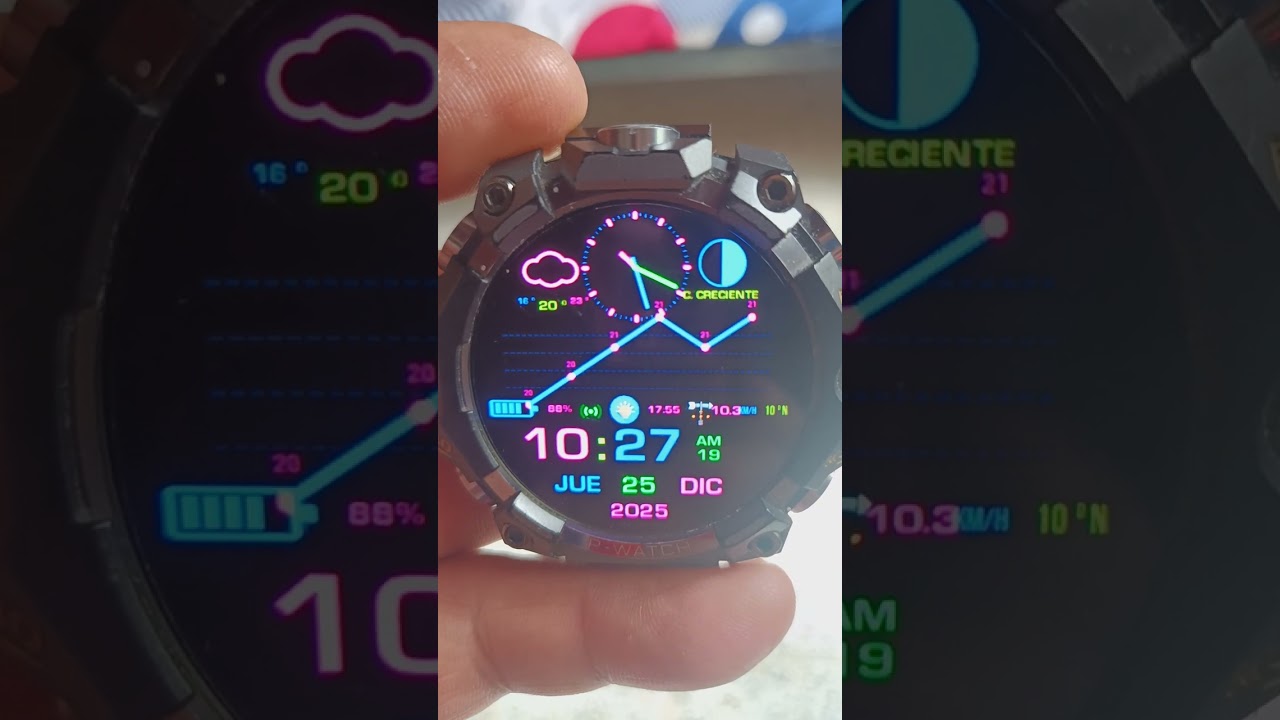
Universal Launcher allows you to use custom watch faces (ClockSkin and WatchMaker formats) on your full Android smartwatch using a powerful Cocos2D-x engine with Lua scripting.
Download Links
Current Version: V4.1 (Android 7.0+ / API 24-36)
What’s New in V4.1
Compatibility Improvements
- Android 16 Support - Target API 36 (latest Android version!)
- Android 8.1 Support - Works on all UNISOC smartwatches
- Android 7 Compatible - Backward support for older devices (API 24+)
- Round Display Support - Optimized UI for both round and square screen shapes
Advanced Watch Face Rendering Engine
This is where V4.1 really shines! The rendering engine now supports:
- Full ClockSkin .zip support - Added support for array types: 17, 18, 75, 97, 98
- All WatchMaker Layers - Chart, Progress, Video, Map, Gallery 2D, Calendar, and 3D layers
- Improved shader support - All shaders now work with dynamic variables as parameters
- 50+ Text Animations & Effects - Fade, glow, typewriter, and many more shader-based animations
- 3D Graphics - Full 3D text and objects with lighting effects
- Video Playback - Play videos within your watch faces
- Data Visualization - Chart layers for health/fitness data
Completely Redesigned User Interface
- Global Quick Settings - System-wide pulldown QS accessible from anywhere (WiFi, Bluetooth, Brightness, DND, Flashlight, Recent Apps, Power Menu)
- Better App List - Waterfall app list, 2/3/4 wide grid layouts, fully customizable app ordering with drag-and-drop
- Custom App Icons - Support for ADW icon packs and custom icons from image files
- Redesigned Always-On Display (AOD) - New AOD with dim screen and keyguard integration
- 5 Fullscreen Modes - Reworked scale dialog with better UI, custom sizing ensures your watch face always fits on all screen shapes and sizes
Enhanced Features
- Ultra Battery Saver Mode - Secret kiosk mode where only the watch face is accessible; tap morse code or password to exit
- Advanced Weather System - Complete rewrite with 5-day forecast, 4 providers, all data points supported, better auto-location
- Watch Face Selector 2.0 - Complete redesign with folder structure, rename/delete/move/search watch faces, random selection support
- Tap Action System - Decide what app opens when you tap the watch face - no need to edit the watch face itself!
- Clock Skin Transfer - QR code to easily access the management page, one-click install watch faces from storage
- Additional Data Points - Unofficial data points like blood oxygen (SpO2) are now supported
- Better Health Integration - Automatic detection and integration with Better Health Tracker
New Unofficial Tags
| Tag | Description | Example |
|---|---|---|
| {ncs} | Cellular signal strength | 0.25 |
| {nbc} | Bluetooth connected | true |
| {ngc} | GPS enabled | true |
| {cnc} | Notification count | 5 |
| {ulver} | Launcher version | 4.1.0 |
| {sbo} | Blood oxygen | 98 |
New Tap Actions
25+ new tap actions including: Tap Launcher, Weather Widget, Health Widget, Calendar Widget, Agenda, Fit, Heart Rate, Compass, Keep, Email, Voice Search, Contacts, Sports, Gallery, Messaging, Camera, Dialer, Music, Clock, Calculator, Payment, Map, Browser, Flashlight, and Social Media.
Breaking Changes (Important!)
- ClockSkin Folder Location - To comply with Android scoped storage, the ClockSkin folder has moved to ASD (getExternalFilesDir). Use the bulk import feature in settings to migrate your watch faces.
- Fullscreen Mode - The old centering bug is now fixed! Some legacy watch faces were designed to compensate for this bug. Use the compatibility fullscreen mode if needed.
- Weather Temperature Precision - The new system provides up to 0.01° precision, which can cause graphical bugs in some watch faces. You can disable this in settings if not needed.
Screenshots


Video Demo
Key Features Summary
Watch Face System
- Custom watch faces with full Cocos2D-x engine and Lua scripting
- Watch face store with hundreds of free watch faces
- HTTP transfer server - transfer from PC with QR code
- Install via file manager - simply open .zip/.watch files
- Bulk import entire folders of watch faces
- Random watch face rotation
Health & Fitness
- Better Health Tracker integration (auto-detection)
- Blood oxygen (SpO2) monitoring
- Real-time heart rate display
- Daily step tracking with goals
- Activity widgets with progress rings
- Optimized sensors (only enabled when needed)
Quick Settings
- Global pulldown accessible from any screen
- WiFi control with frequency and RSSI display
- Bluetooth toggle
- Brightness slider with smooth adjustment
- Do Not Disturb mode
- Flashlight quick access
- Recent apps menu
- Power menu access
- Fully customizable colors and layout
Weather System
- Auto-location (enabled by default)
- 5-day forecast
- Cloud coverage data
- Rain volume information
- Custom API key support
- Multiple data points (temperature, humidity, wind, etc.)
Notifications
- Optimized UI with clean display and app names
- Notification count tracking
- AI filter to remove useless system notifications
- One-click clear all
- Image support in notifications
- No permission required (works on Android 8.1+ without notification access)
Performance & Battery
- Custom FPS settings
- Sensor optimization (accelerometer/compass only when needed)
- Improved video caching
- Quick Settings idle mode
- Efficient AOD (1-minute refresh rate)
Installation
- Transfer the APK to your smartwatch
- Install the APK (enable “Install from unknown sources” if needed)
- Grant requested permissions when prompted
- Use the power button to select Universal Launcher as your default launcher
- Reboot your watch for optimal performance
System Requirements
- Android Version: Android 7.0 - Android 16 (API 24-36)
- Architecture: ARM (armeabi-v7a)
- Screen Shapes: Round and square displays supported
- Resolution: Optimized for all smartwatch resolutions
Troubleshooting
PLEASE READ THE FAQ FIRST
Common issues:
- Make sure the launcher isn’t subject to battery optimization
- Ensure background tasks aren’t being killed by your system
- Grant all requested permissions for full functionality
If the FAQ doesn’t resolve your problem:
- Start a new issue on GitLab
- Join the Telegram support group
Partner Projects
- Better Health Tracker - Enhanced health data provider
- WFTools - Universal tool to work with watch faces
Development & Contribution
The project is open source and welcomes contributors! Because of the lack of source code and minification of the original app, some files are obfuscated. However, all code added in V4 is NOT obfuscated.
For Lua developers:
- Check the
lua-sourcefolder for Lua code structure - See
lua-source/LUA_README.mdfor documentation - Use
luac_crypto.pyfor encryption/decryption
For Android developers:
- New features are in
com.ailife.*packages (not obfuscated) - Original code is in
com.ricktop.*packages (obfuscated)
Statistics (V3.7 → V4.1)
- 400+ commits of improvements
- 15+ major feature groups
- 100+ bug fixes and stability improvements
- 50+ text animations added
- 10+ new layer types implemented
License
Based on Universal Launcher V3.7 by @Eric_Crochemore
Not allowed for commercial use && not allowed on Google Play Store (V3.7 license)
No further restrictions set by AILIFE
Modified and maintained by AILIFE
Credits
- Original Developer: @Eric_Crochemore (Universal Launcher V3.7)
- V4 Development: AILIFE
- Cocos2D-x: Cocos2D-x team
- Community: All contributors and testers
Community
- Telegram Group: UL_V4
- GitLab Repository: clock-skin-coco-hack
- GitLab Issues: Report bugs
- Wiki: Documentation
Support the Project
If you find Universal Launcher useful:
 Star the project on GitLab
 Share with other smartwatch users
 Report bugs and suggest features
 Contribute code or watch faces
 Improve documentation
Made with  for the smartwatch community
This is a free and open source project. Please respect the license and don’t sell it or distribute on the Google Play Store. Enjoy your custom watch faces!