Well, consider it a good exercise…
2 Likes
Haha! Yea this is my first smartwatch so it might not be a bad idea to get some reps in haha.
RE: no weather
Turn on your location for a few minutes. It should automatically find your city.
and then if you have 4G turned on should show the weather.
Do you have dedicated SIM for the watch? or are you just tethering to your phone??
Thank you DirkDH and G1NT0N1C. I am honestly not sure what did the trick, I turned on the GPS setting then turned off the location permission for the weather app and turned it back on. After a few seconds it updated. So it was either the GPS or toggling that location permission off then back on that reset it. Thanks for the help!
1 Like
I’ve had the Genesis for about a week now.
First, everything is fine , and for everyone involved, well done for an excellent job.
I only had 2 minor issues, which I’ll mention, as they might help someone else:
1, 1/2 of the brown strap was missing. Not a problem for me as I don’t plan to use watch bands with a buckle (meaning I’ll send the buckles side to you if you need it). I plan an easy on, easy off band instead.
2. My SIM card must be well worn as I couldn’t get it to make good contact. I shimmed it with a small piece of paper napkin, and all is fine now,
bc
2 Likes
Hi,
Unfortunately I need more information about what was happening when it happened?
Most who have seen this issue have been fine after a factory reset.
It seems that for whatever reason, it is best to fully charge the watch and factory reset when it is received…
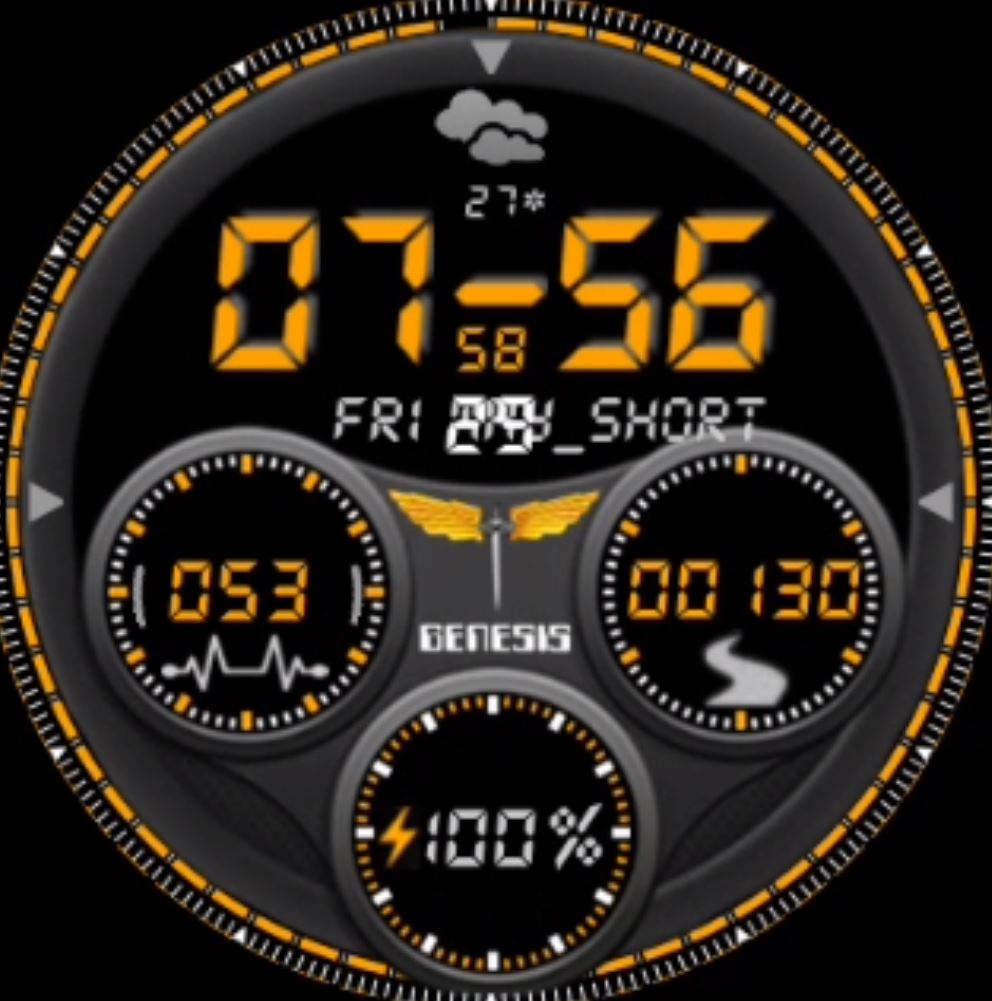
Basically the face can be manually installed if it is supposed to have calendar as a shortcut - and then it will work.
But I am not sure if this one has the short cut enabled or not…
Having root access will work but only if you know exactly what to edit.
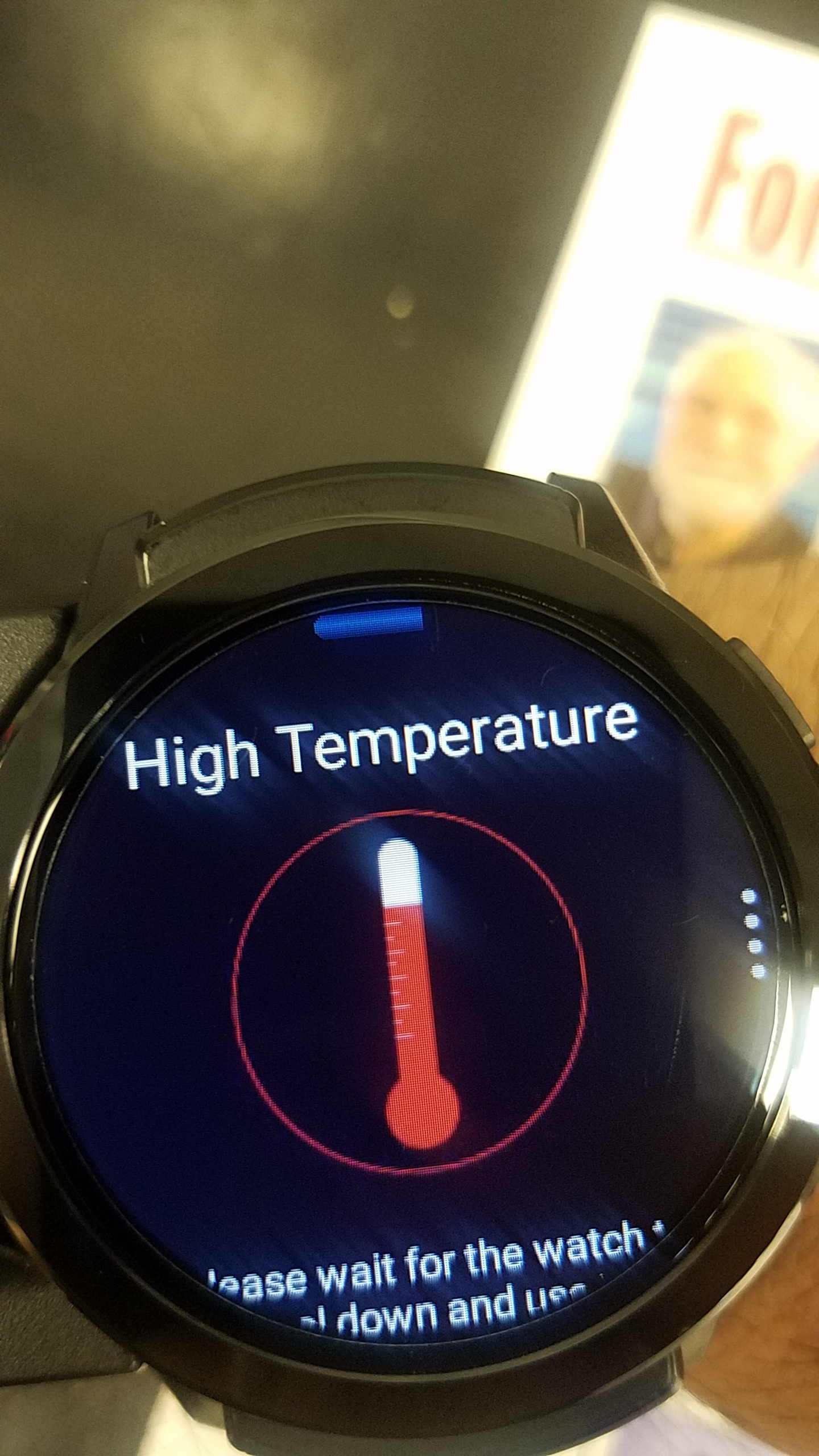
Thanks for the response Pablo, I’ve gone thru with initial set up process with initial factory reset. Just like our other peers here I ve gotten this message when docked charging, Bluetooth on, data enabled and half brightness on display and running a streaming app like Pandora in background. Deactivating processes described or just shutting down to cool down gets me back in order but seems to be recurring issue.

Did you update Google services on the watch?
The first thing anyone should do when they get the watch is:
a) fully charge and factory reset.
b) install Play services or Google services helper app - I’ll leave a copy here…
Help Play Services Error_v1.3.7_apkpure.com.apk (2.9 MB)
c) sign in to Google and run the helper app.
Choose go to the play store option and update Google services.
d) update remaining apps and reboot.
e) go into watch settings / More and check that performance mode is not enabled and you can also configure data saver and Background Cleaner for the correct apps.
The other thing that you are not recommended to charge the watch while all these data options are enabled. GPS and Wi-Fi especially.
thx Pablo i dont know how to do that any tutorial
i dont fancy rooting the watch im not a technical expert
i only had the heat warning once when charging, spotify on wasnt really hot though i think the alert comes up rather quickly which isnt bad better than tooooooo late
I definitely don’t recommend you try to use root or you will just end up having to flash your watch to fix.
Basically this is a software error and we are pushing back on the factory to have it fixed.
Otherwise you can manually add the watch face just like any other watch face. Drop it in the clockskin folder on the watch storage, reboot and that’s it.
Only thing is that you will then have two faces that look the same but one will be able to open the calendar… As long as it is intended to.
I also recommend that you visit Smartwatch Ticks YouTube channel and see his videos for the Genesis as he discusses the faces quite a lot.
i have a issu me where the light of the heart beat monitor stay alway one i think its drainin the battery …ive try reset to factory and it always on any thing i could do or is it normal that its alway on
Hi . So when you turn " off " the app it stays on ? . To turn off press and hold the power button . Tap recent applications when menu appears " its thr one on the far right " and press clear all . Thanks
1 Like
i know how to clockskin and transfer files where can i find the original files of this watchface ?
I think Mr Ticks has posted them but I will also see if I can get them 
Thanks,
Good advice
i do know alrod watchfaces but cant download any probably need to donate before to get access to download links
Mr ticks has several links like floating toucher but somehow cant get access nor download strange
No…
These belong to Jason and have been paid for.
If Jason wants to share them it’s fine
I’ll let you know