power draw is not very ideal, the 8541 is 28nm and it is very compareable to newer mtk power draw
gemini app i very buggy, use browsr home screen shortcut(if your launcher support but UL doesnt)
2 Likes
A generic question, has anyone seen or know of a Android watch, that has a camera and runs Android Auto well enough to run/connect to a cars wireless android auto system?
no, for battery all useless app is removed, and a watch is nevr gonna used for android auto
1 Like
That’s too bad, it would be a way to get rid of a carrying a phone, since these watches already do the basics. With the push for glasses to replaces phones now, I think it makes more universal sense to do it on a watch then make everyone wear glasses.
I use Gemini on two old smartwaches on Android 10 and 11 : no bugs..
i use Android Auto with my watch with success since more than 3 years…
i dont know why not just install full android stereo system
it cant even be used correctly on my phone android 14, only LLM works correctly is deepseek believe it or not everything else fails
I use it on my watch to place a call or send sms and control my items on Google home, very practical with the watches who have a little screen..
@christ - just to clarify, your watch is pushing the android auto display to a headunit, without a phone in the loop? Which watch is this?
@AILIFE - I have sideloaded AndroidAuto from v3 to v11 but none of them will connect to this watch. I suspect it might be the bluetooth profiles, so that once bluetooth is bonded, the headunit asks what profiles it supports and then fails not finding what it needs (this is just a guess). On the watch side, it looks like it considers the headset a “headphone with mic” setup only.
The watch is an old Lemfo Lem 16.
use home assistant which works way better
2 Likes
I have 135 connected items in my house with Google Home and absolutely no problems, may be home assistant is good but i prefer Google Home.
1 Like
google home lag bad bad all cloud polling iot class it cant be good i work with smart home before i start work with watches
1 Like
I have no lag with Google Home : when i say Ok Google : close my chicken door, the door is closed in 2 seconds.. And with my watch i can do that even if i’m not at home but in another country by example.. Thanks to the Google iot.
1 Like
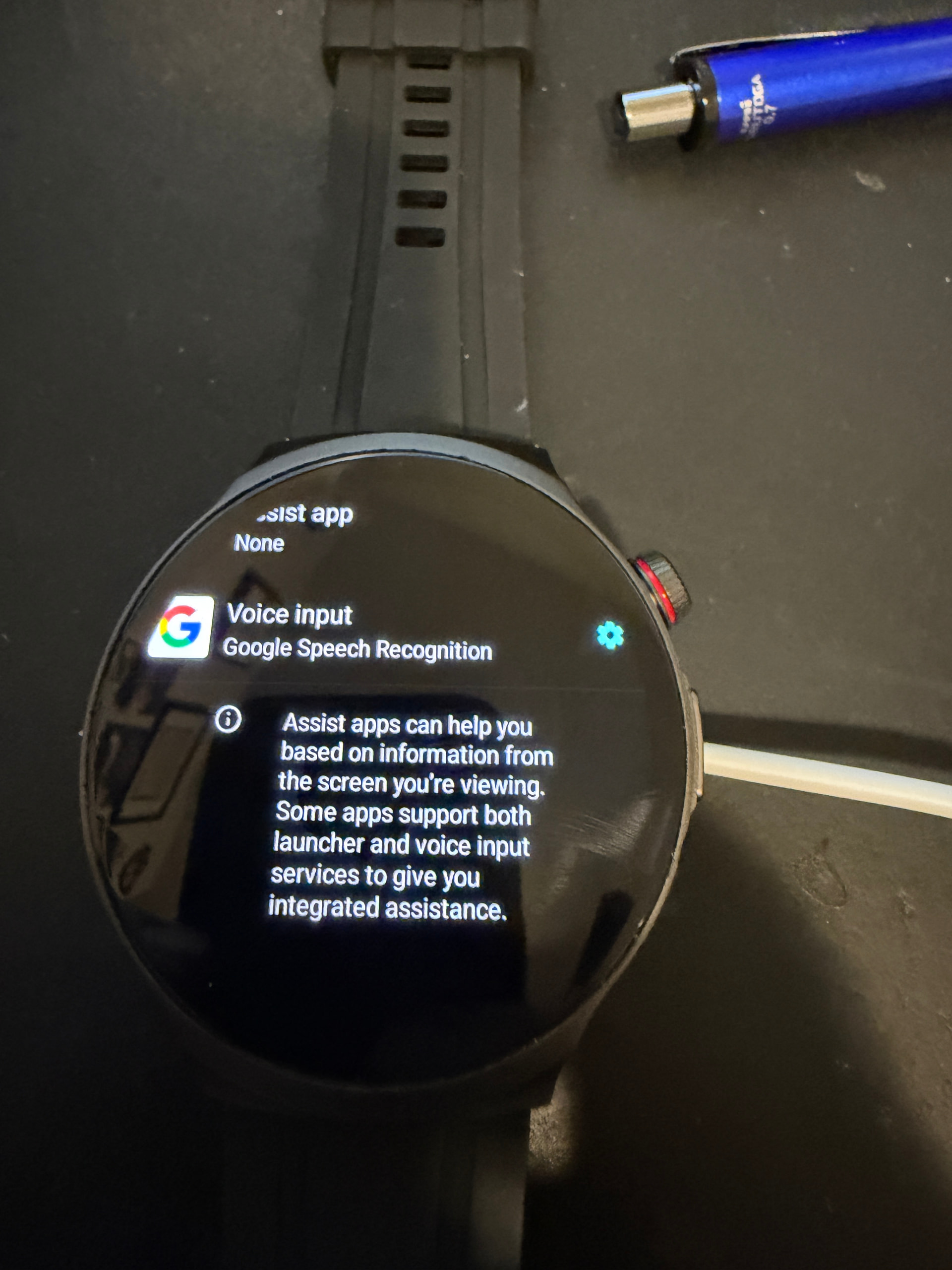
Am I doing something wrong (or can this be done better/permanently). Every once in a while, when I hit Google Assistant it wants to setup again and shows the below picture. I then set these 2 adb commands and it works “for a while” but eventually goes back to none?
adb shell settings put secure voice_interaction_service com.google.android.googlequicksearchbox/com.google.android.voiceinteraction.GsaVoiceInteractionService

adb shell settings put secure assistant com.google.android.googlequicksearchbox/com.google.android.voiceinteraction.GsaVoiceInteractionService
2 second is allot… with local can do less then 100ms… but we are getting off topic, the home assistant app works well on the watch
2 Likes
Do you keep Google Assistant enable if you restart the watch ?
2 seconds when i’m not at home, immediately when i’m at home… But yes of topic, so stop speaking about that. Cheers.
1 Like