Mirror your phone’s world to your wrist. Notifications, files, health, media, calls, and more — all in sync, over any connection.
I’ve been working on RTOSify, an open-source two-app Android system that bridges your Android phone and an Android-based smartwatch over Bluetooth, BLE,
WiFi, or even the internet via WebRTC.
What is it?
RTOSify consists of two apps:
RTOSify (phone) — captures and sends everything: notifications, media, calls, health data, files
RTOSify Companion (watch) — receives and displays it all, with full interactive controls
The apps automatically pick the best available transport — no manual configuration needed for most setups.
Why does it matter?
this app replaces all other apps like watch droid/informer/hisportspro/gaofit
this app as of release have the best feature on the market no one can even think of
this app will forever stays totally free and open source
Screen mirroring with live touch/gesture passthrough (best over WiFi)
Answer/reject calls and dial from the watch
Camera remote shutter with live viewfinder
File & app management
Full bidirectional file manager (browse, upload, download, rename, delete)
APK sideload directly to the watch (requires Shizuku or root on watch)
Health & monitoring
Steps, heart rate, SpO2 with historical charts
Deep battery stats (voltage, temperature, current draw, estimated runtime)
Automation
Clipboard sync, auto WiFi/data, Bluetooth PAN tethering, file observer triggers
Home screen widgets on both devices
Advanced
Remote terminal/shell (standard, Shizuku, or root level)
Alarm sync with full-screen watch UI
Find device with proximity indicator
Multiple paired watches supported
Connection transports
┌───────────────────┬────────────────────────────────────────┐
│ Transport │ Best for │
├───────────────────┼────────────────────────────────────────┤
│ Bluetooth Classic │ Everyday use │
├───────────────────┼────────────────────────────────────────┤
│ BLE │ Battery-efficient background │
├───────────────────┼────────────────────────────────────────┤
│ WiFi / LAN │ Screen mirroring, large transfers │
├───────────────────┼────────────────────────────────────────┤
│ WebRTC (Internet) │ When devices are on different networks │
└───────────────────┴────────────────────────────────────────┘
Requirements
Phone: Android 8.0+
Watch: Android 8.0+
Bluetooth Classic 2.0+ or BLE 4.0+
Shizuku or root optional (unlocks APK install, shell, WiFi/data control)
Pairing
Install RTOSify on phone, RTOSify Companion on watch
The watch shows a QR code — scan it from the phone to pair instantly
That’s it. Green indicator = you’re connected.
Would love feedback, bug reports, and feature requests. The repo is on GitLab. Happy to answer questions about the architecture or help getting it running
on different watch hardware.
Pretty awesome. Been using it since the first internal releases in Fabihnos group. It can totally replace old WatchDroid packed with a bunch of stuff from the very begging. I’m glad you could finally release it AILIFE.
How do I get the app files from Github (com.ailife.rtosify and com.ailife.rtosifycompanion ?) I tried but I can’t find them. I looked at the Github link and I looked at the readme files but I can’t figure it out. Then what do I do with these files once I get them? I need “Installing RTOSify for Dummies”!
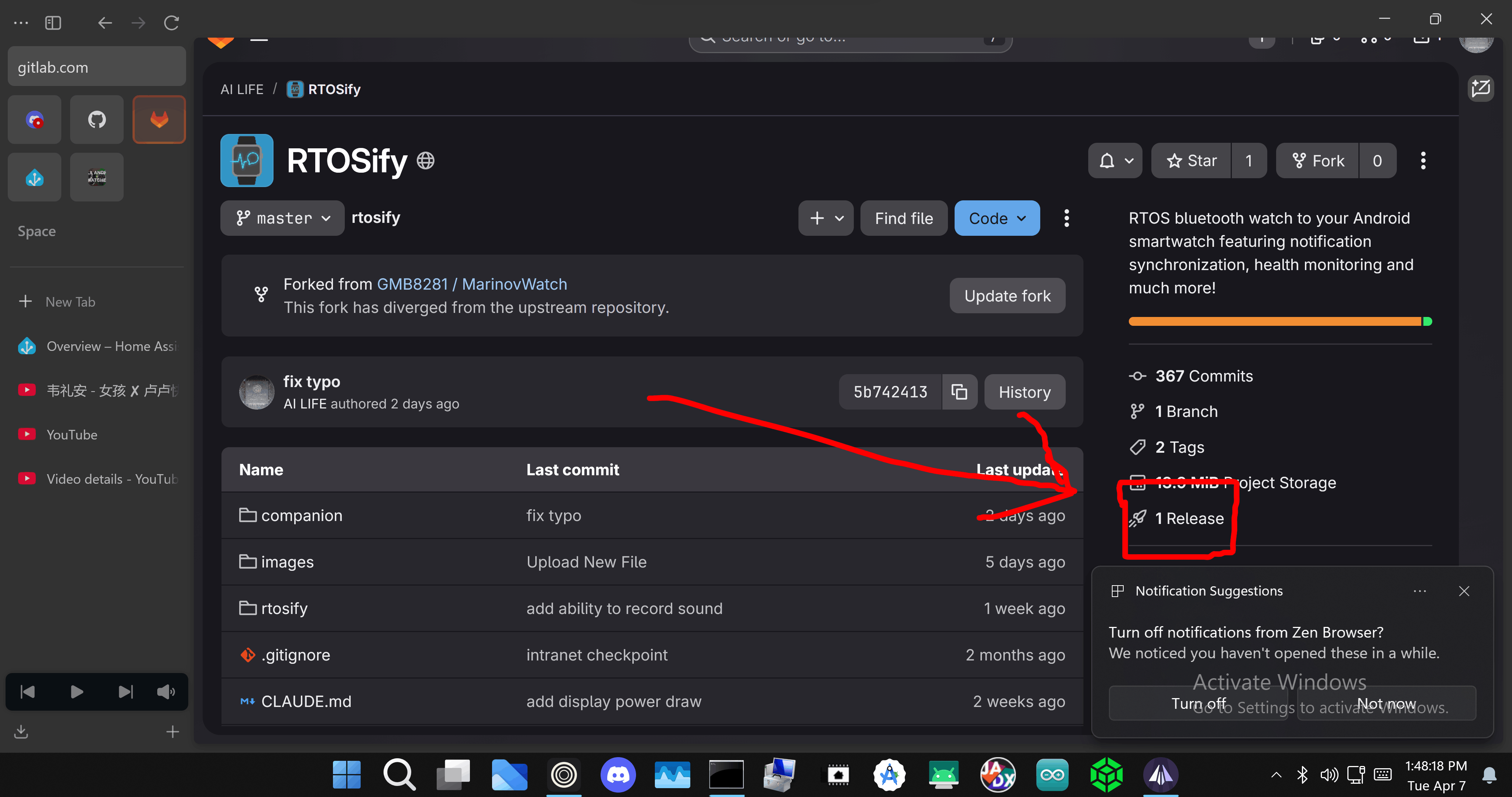
added link directly to release page in readme, added the phone app link on uptodown and apkpure (surprisingly they accepted the app)(uptodown is experiencing outage so app can not be accessed yet, need to wait a while)
It’s fantastic, and obviously very well tested for an initial release. Nice work.
Is there any chance of being able to mirror/forward call audio? i.e. use the watch to talk on a call that’s been made on/to the phone. This would be a killer feature for me. I appreciate there would be some unavoidable latency.
because both of my app have shizuku and root and accessibility permission, in theory everything should be possible, but because this api is never intended for any app to use, i dont know if the api is standardized enough to work across different phone system/android version, if the situation is not too bad, i will implement it, forwaarding audio to watch is almost certainly possible, but use watch as microphone not so much
@AILIFE I was able to install the app on my phone (Google Pixel 10) and the companion app on my watch (H18 with A8.1). I have a stable bluetooth connection between the phone and the watch, but I am not getting any notifications from my phone on my watch. I am mostly interested in notifications from my Messages app, Gmail, and incoming phone calls, but I am not getting any notifications. Under RTOSify > Notifications > Manage Applications, it is turned ON for all applications, including Gmail and Messages and Phone. “Notification Forwarding” is turned ON. Do you know what I am doing wrong, or what I can check or do to correct this? Note: Under RTOSify > Notifications, the section labeled “Read permission required” is red, and when I press Grant Access, RTOSify is listed under “Not allowed”, and if I tap RTOSify, the option to turn on “Allow notification access” is off and grayed out (so I can’t turn on). Is this needed or relevant?
Thank you. I managed to install Shizuku and to grant the necessary permission, and now it is working well. You make it sound so easy, for me it is not so easy. I am like the blind squirrel who eventually finds an acorn.
You either make the user go through this to give all permission to make app powerful or fall like watch droid that all the permission get cut by Google and so loses all features
Ofcourse I am never gone settle with Google I will use everyting I can
@AILIFE Thank you for reminding me that when Google embarks on “enshittification”, it is hard work to slow that train down, but it is worth it. (This from someone who is hopelessly embedded within the Google ecosystem.) Thank you and also to the FAW team for all the work you do to make the FAW experience better!
@AILIFE Such great apps thank you it is still working just fine in iPhone .
I’m thinking of making another change to the iOS app regarding notification font size, vibration strength when receiving notifications, and displaying the app name or icon the notifications come from.


 You make it sound so easy, for me it is not so easy. I am like the blind squirrel who eventually finds an acorn.
 .
.