the lite version is free to edit for anyone and you can publish as your own fork compatible with the companion but i wont accept merge if the interface got any more complex
but anything you want is just not possible at all because lite notification does not use normal notification protocol and do not inherit changeable vibration etc
and in ios it is impossible for the app to access mnotification at all, currently companion do everything directly get from ios system not from the phone app, so it is not possible to get app name or icon
nyways everything is open source with ai everyone can be engineer you can have a go at it just i will not accept merge
I will try, thanks.
Thank you. Are these the latest versions of the apps?
release 1.0 is
1 Like
I believe I’ll get the latest version from your GitLab.
compile your self is always the most recent but at this time gitlab release is just as good
1 Like
Great app! Reliable connection and notifications from phone to watch seems so essential, yet was so hard to achieve . . . until now!
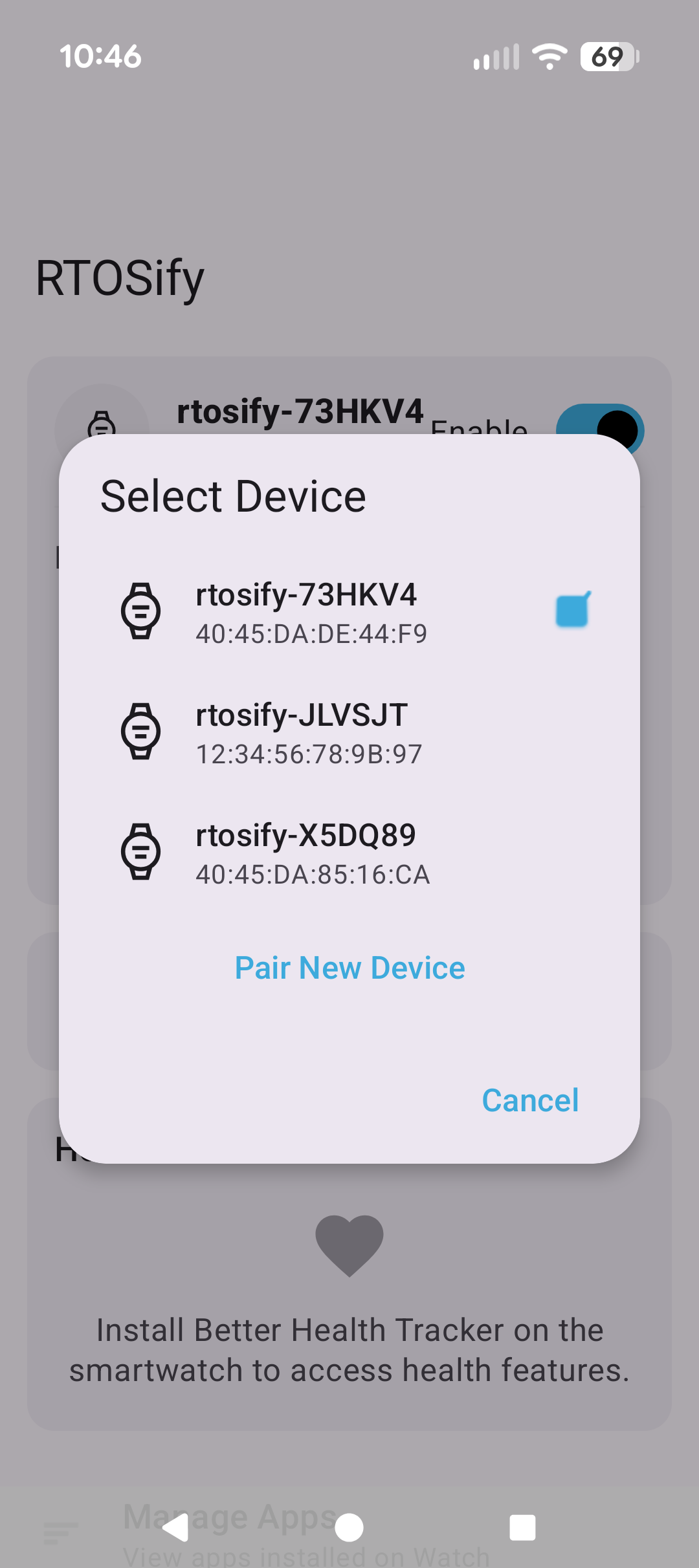
[Trivial] question: is it possible for the user to assign a name to each of their paired devices, so choosing which device to connect is clearer? (I have 3 FAW watches.)
1 Like
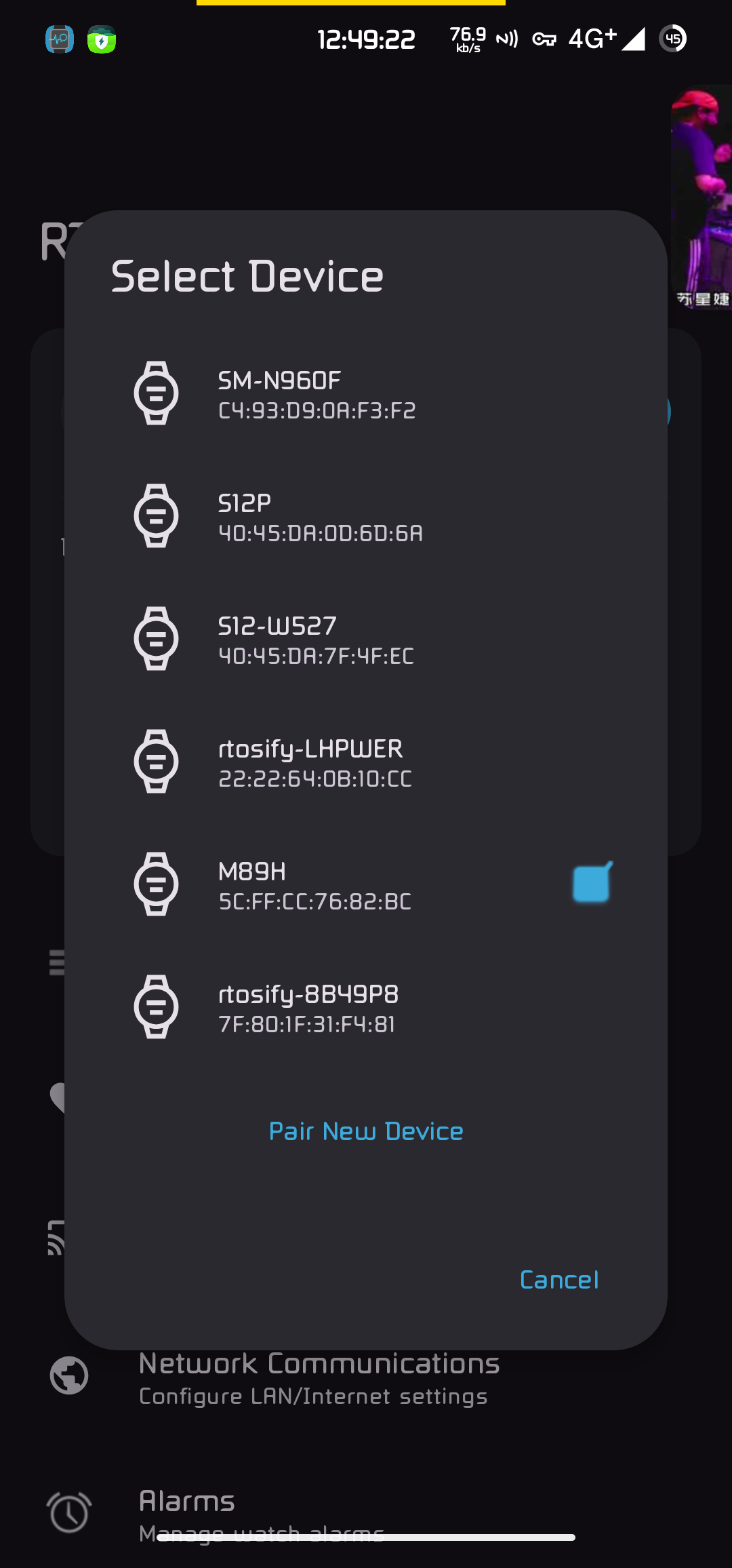
you can rename the watch bluetooth name in the watch settings, then turen both watch and phone connection off and on, you are responsible of giving it a unique app that no one else have as it will connect to the wrong one if you didnt set a unique one
(you MUST rename when they are currently connected, ofcourse, so the new name is sent)
3 Likes
Wow, that was easy! Thanks!
2 Likes
Sorry but another app that doesn’t work on Android 9 (DM30/LEMP watch)
Can’t pass thru the QR code, it simply gives an error pairing when I scan it with the phone app.
It’s worth to mention that true FAWs watches like Kospet Optimus, LEMP and those old ones came with a second Bluetooth chip dedicated only to pair with the Gaofit official app, becoming unnecessary to turn the watch’s Bluetooth icon ON or OFF to sync it with the app.
Anyway, I’m still using Gaofit app because of that
Try pairing watch and phone first. Then use app and QR code
you need to disable any other app that try to take control of bluetooth like gaofit
you shoud delete the pairing on both device before you use QR code
if you already paired, you can use select manually option on the phone and select the watch
then on the watch, select skip(as you select manually, it wont know you have paired manually)
3 Likes