Hello,
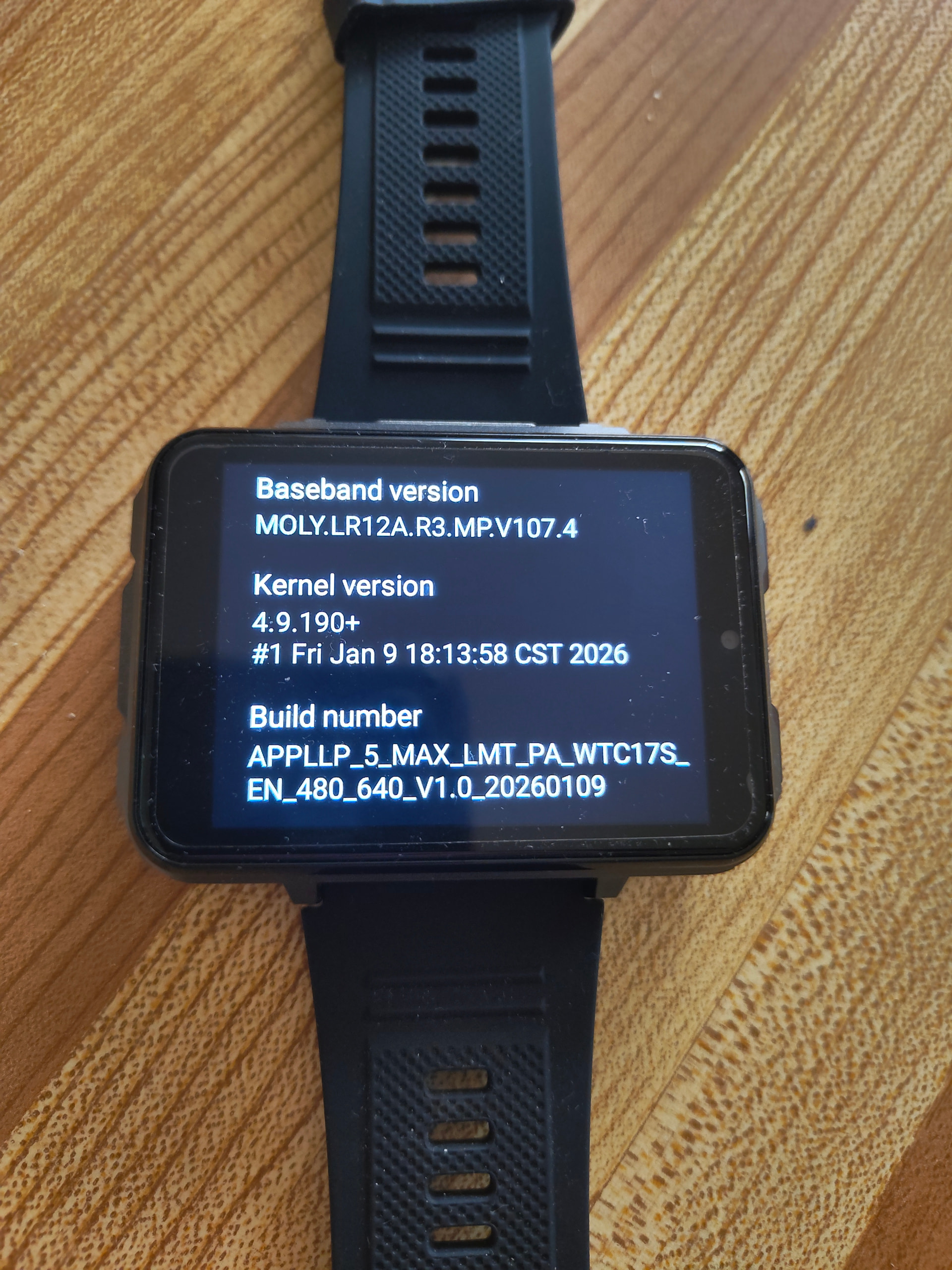
do you know ??? LOKMAT APPLLP 3
Merci
Hello,
do you know ??? LOKMAT APPLLP 3
Merci
As you will see the market is flooded with android 8.1 watches that we do not support. This is one of them
Hi,
I have the DW100 pro+ watch and I really like it, but I’m having one problem: I can’t get notifications from my iPhone to the watch. I tried using the app that came with the watch, but it keeps losing connection. I also tried a few other apps, but nothing seems to work.
Could you please tell me what to do, or recommend an iPhone app that works well for getting notifications on the watch?
You can use RTOSify for tethering. It’s much better than the built in app. It’s easy enough to search here and get more details, or visit Telegram and look for the topics posted about it by the developer @AILIFE
I think you will be pleasantly surprised @zeose1
Cheers
By the way, I’ve put these posts here because I’m no longer sure about the DW100. I know Lokmat are selling one made by DMN (looks like a slightly larger DM101 and comes with Android 10 as stock).
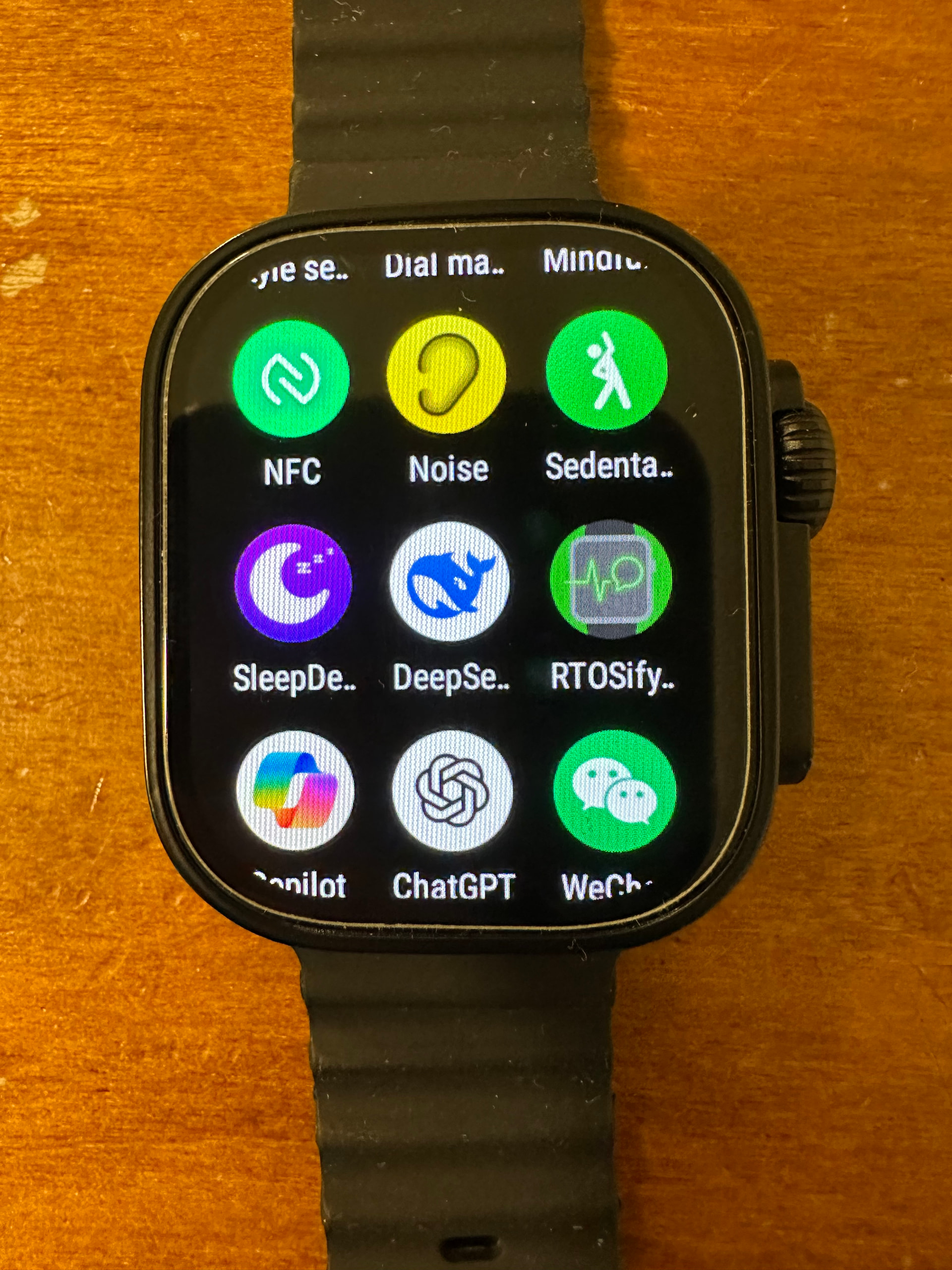
Equally though, it’s likely possible it could be another Apple clone with the scroll wheel. So, my apologies for any confusion.
dw100 absolutely does not look like this it is the ultra style
RTOSify available soon but i absolutely are not gonna help people install on iphone
Thank you for your reply. I looked into RTOSify, which looks great, but unfortunately it is only available for Android phones. Can you suggest another app for iPhones, please?
RTOSify looks like a great app that can solve major problems, so why don’t you want it to be available for iPhones? As you know, the watch is similar to Apple’s product, so it would be very nice of you and very much appreciated if you could create a version for iPhones. Or if you could mention any other apps or solutions to the notification problem for iPhones, please?
Yes that’s correct.
Thanks. I wasn’t sure to be honest.
Naming conventions are all over the place now…
Sorry mate, but generally speaking, people who buy an Android device don’t expect it to work with any Apple products at all… I’m a little surprised that you thought it might be possible?
However, I guess the brand advertising is also misleading.
Basically, you should get a BT tethering watch if you have an iPhone. Because most of the BT sports / fitness watches will tether with any phone.
WHY YOU DONT JUST LOOK A LITTLE BIT CLOSER
full version required too much permission not possible on ios
@AILIFE basically that’s what I was inviting the person to do when I said this. Hoping that they might be pleasantly surprised - if it was possible.
Anyway, all good.
I do not know how to thank you for giving me this app, you gave me hope again  .
.
@AILIFE please can give me a link to an ipa file i can install it in my iPhone because i did not really know how to download the app from GitLab  .
.
Thank you so much @AILIFE , I do not need a full version I only want the notifications to appear on my watch  .
.
I appreciate your responses @AILIFE and @pablo11, I would love to join Telegram, can you please put a link to the Telegram you mentioned please maybe I can find there an ipa file of that app that AILIFE added because I did not know how to get the app from GitLab .
All you need to do is search for telegram on your browser and create your own account and sign in.
Once you are in Telegram, it also has a good search engine, so just search for the topic you are interested in and that’s it… job done.
you need to compile the app from source your self
@AILIFE Thank you for your respond. I managed to compile both apps from source as you said then I installed the first app (RTOSify Lite iOS) on my iPhone, and I also installed the second app (Watch Companion App) on my watch from your full RTOSify version on GitLab.
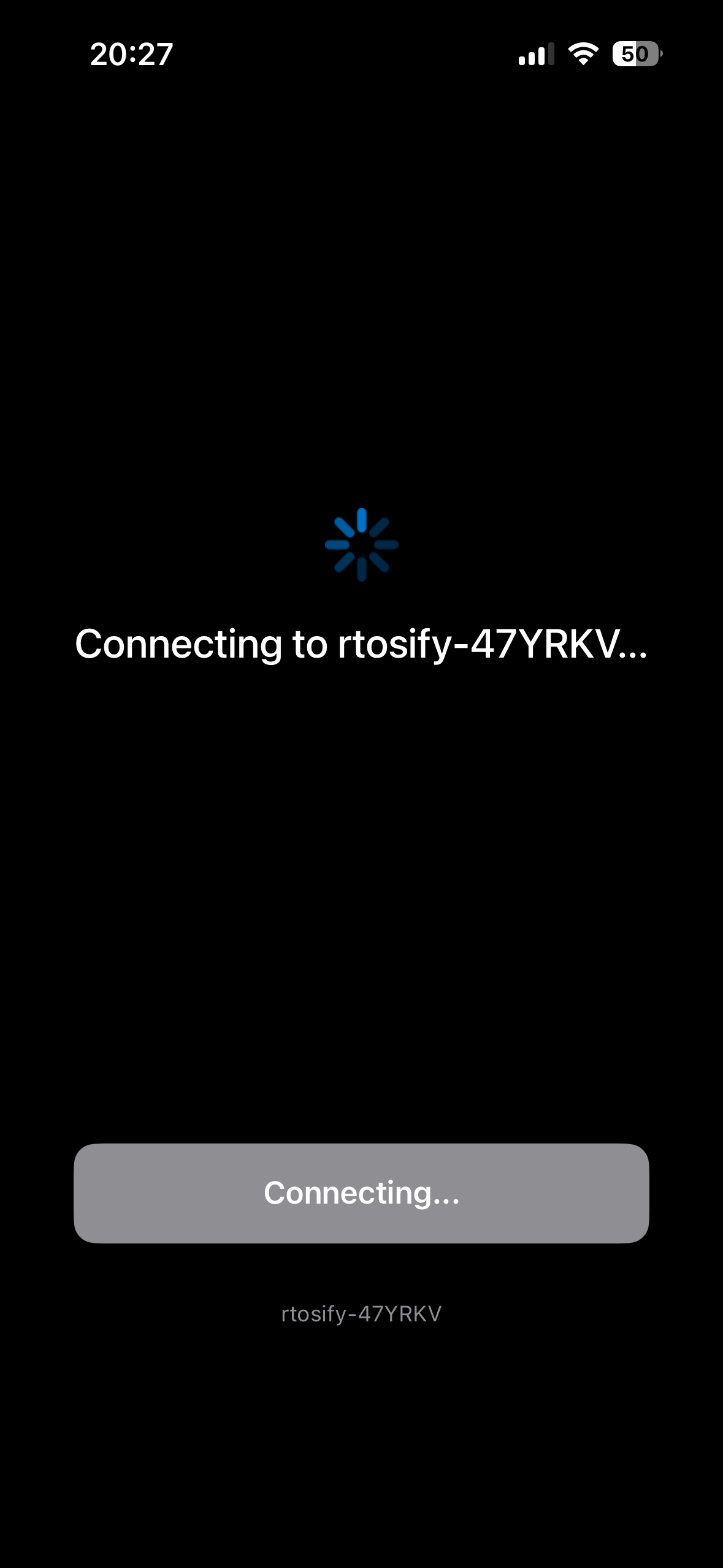
But I’m facing a problem: after I scan the code from the Watch Companion App, the “attempting to connect” screen appears—just like in the screenshot I attached—but it stays like that forever and never connects, I deleted the both apps and reinstalled them many times but still the same problem. Is there a solution to this problem?