Sorry it took so long to respond, but glad you got it figured out. That step always gets confusing because you’re doing something that at first glance seems wrong.
1 Like
If you only want to update the software, you can flash the system and boot image to their respective partition with TWRP (and then flash Magisk in the same session).
If you want all of the firmware internals, then you will need to use Flashtool. In most cases, this is not necessary or necessarily recommended.
1 Like
@roswell108 Just FYI.
Patched boot and twrp are attached to the first post now.
They can be flashed separately or with complete firmware.
No need to flash anything else.
Just adb reboot recovery and flash magisk.
Need to have magisk.zip on watch storage first.
Or magisk manager should be able to perform direct install because boot is patched.
Working on both LEM T and Ticwris
That doesn’t exactly make sense. If you are updating or changing the software, you will have to flash the system, too.
A patched boot image wouldn’t require you to flash or install magisk.zip, but you should always flash the new boot with a new system image, which overwrites the patched boot.
Sorry,
What I meant was IF for whatever reason you are flashing full firmware then these images can be added to the folder and chosen in place of the stock images.
If you don’t need to flash the firmware then they can be flashed on their own using the stock scatter file - in flash tool.
If I follow, what you were trying to say is:
If you are strictly rooting, you can flash the patched boot image and recovery directly.
For updating, the only difference would be whether or not you install magisk manually.
(and whether or not you want the newest boot image, since that can be done in TWRP)
Yeah pretty much.
But considering how easy it is to update/flash these MTK boards it’s just a matter of choice really.
1 Like
So i’m on 1.9 now, if i just want to root my device, all i should do is flash the patched boot image and recovery using download only?
That works for me - yes.
I do it like this:
a) copy magisk.zip to the watch storage.
b) install minimal adb and fastboot https://drive.google.com/file/d/1Uz75C_KHBKkmssF_FRNlrS03B0vh9uON/view?usp=sharing
c) flash the boot and recovery image from the very first post - download only using, the scatter file.
d) boot the watch normally and install magisk manager apk. If Magisk can see the boot image is patched you will be able to do a direct update of Magisk from the manager app if WiFi is on. If not use this command from minimal adb and fastboot: adb reboot recovery
Then flash magisk.zip you copied to the watch previously. That’s it done - rooted.
Hey Everyone
Just discovered this site after looking for info on a watch I’m getting soon. Its not the original watch I contributed to on Indiegogo but I believe I’ll be getting a re-branded Lemfo Lem T. I have requested a developer device so it should arrive rooted. I’ve done very little with Android (rooted previous devices, sideloaded apps, installed custom roms) but if my rooted device (when I eventually get it) is any use to anyone in terms of extracting apks, files or configs, I’ll be happy to help. I note that there is a custom recovery available for Lemfo Models. Is there one available for the Lem T? If the hardware is the same, should I be able to flash the custom recovery? My intention is t have a working image of the device to flash back to should my tinkering go wrong!
Very happy to have discovered this active community supporting a great watch.
Thanks
Imran
Can you post a link to the device you have ordered?
I’m very curious about this.
Cheers
3 Likes
Jep, me too…
2 Likes
I’m unable to add links or images to the post. Can I message you guys directly and send you the info?
Cheers
Hi . Yes you can . You can click on any moderators image and send a PM
Thanks
1 Like
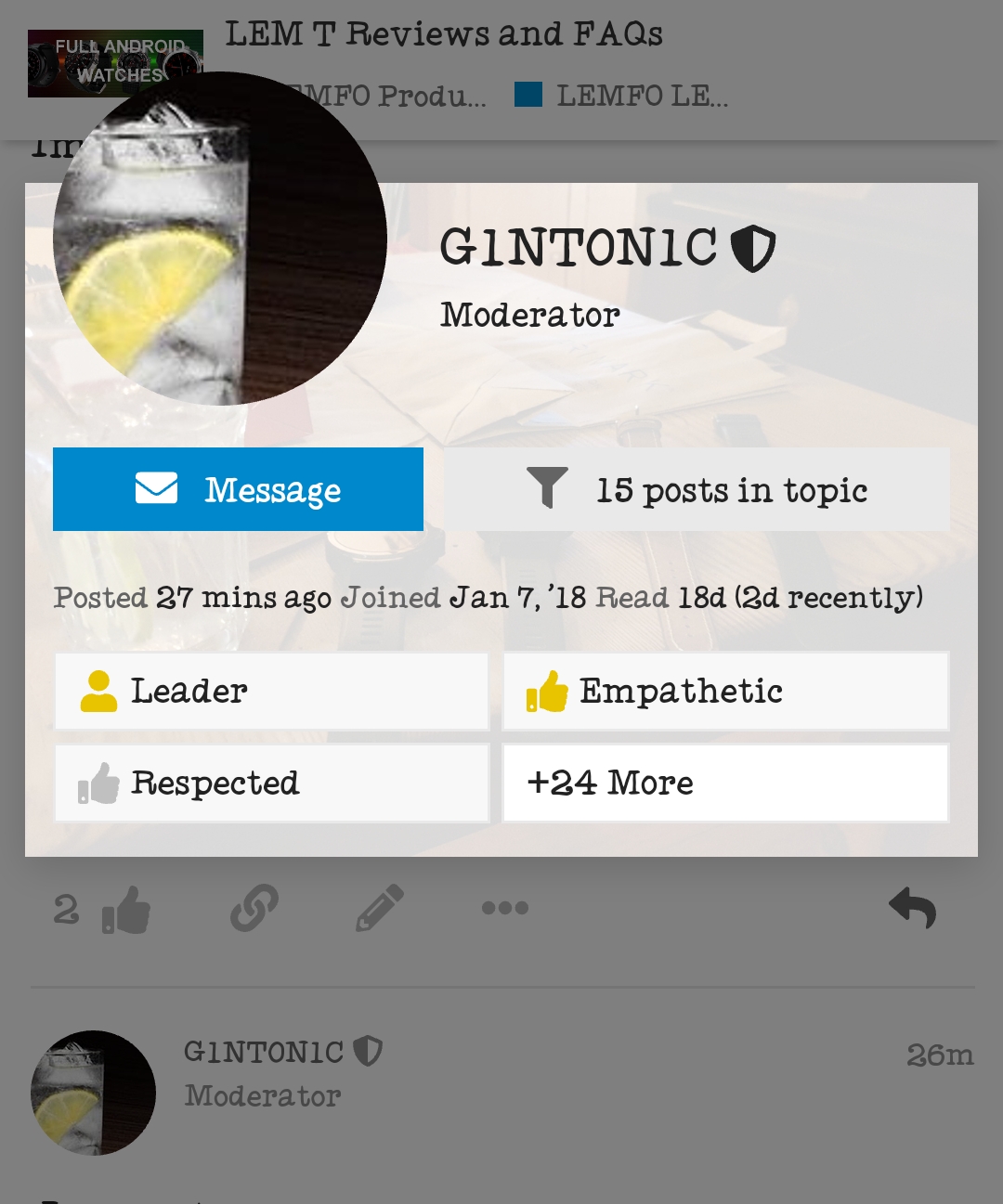
Then send your message 
1 Like
Hopefully @pablo11 @Dr_Andy_Vishnu @G1NT0N1C should have private messages with info for the Rufus Cuff.
Thanks
1 Like
i got mine . Thankyou
Search turned up this web page and others with the specs.
Seriously? Wow, amazing