I find I also have to open the app once, to be sure it receives notifications. Same goes for Signal and FB Messages. So made it a routine to start them in a row every morning and close again…
Would love a smarter solution…
1 Like
Not tested as yet on prime 2 but i have seen that issue before on another watch .
Okay. Back to getting music downloaded on the watch and not using the YouTube Music App (though I’m not above doing so…I’d like to use as many benefits of the watch as possible though because, well, don’t we all? Won’t feel like I’m using it’s potential otherwise). Anyhoo, I took advice from Pablo, who was gracious enough to answer my grade school question, and USB’d (copy and paste) a few songs and it appears they made it to the watch because they appear in the Music menu and I can find them in the File menu but I have no sound. You can see song times, the floating banner of the song name and file size but no tunes!!!
Any thoughts?
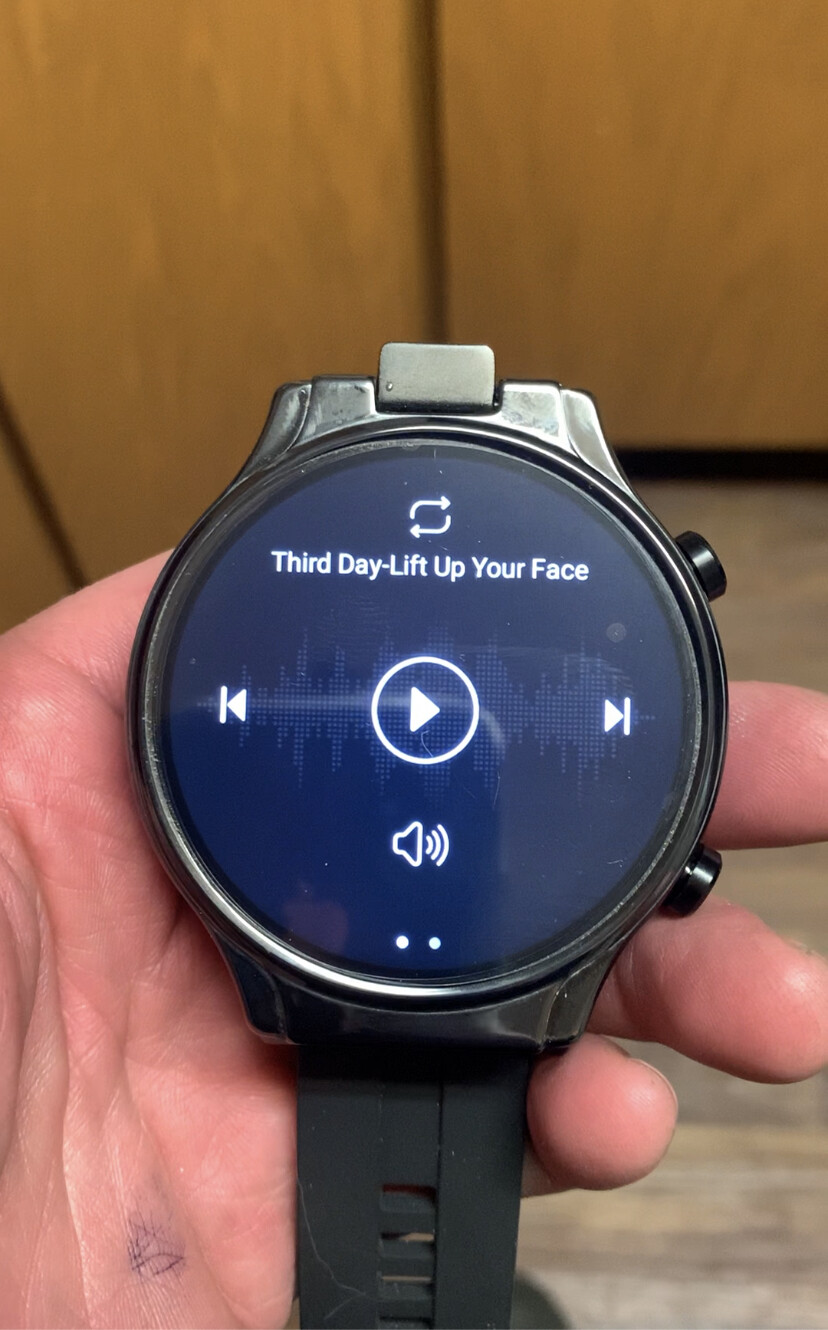
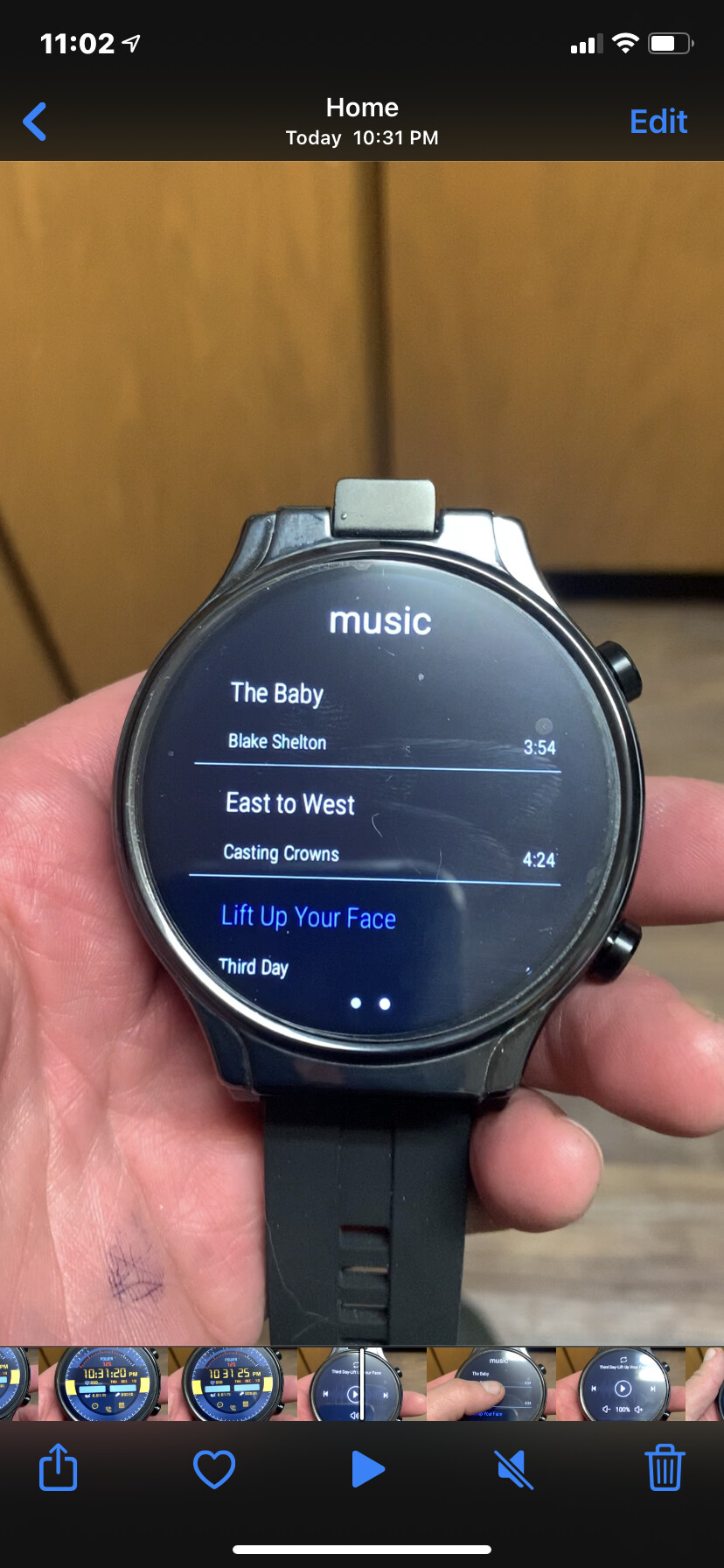
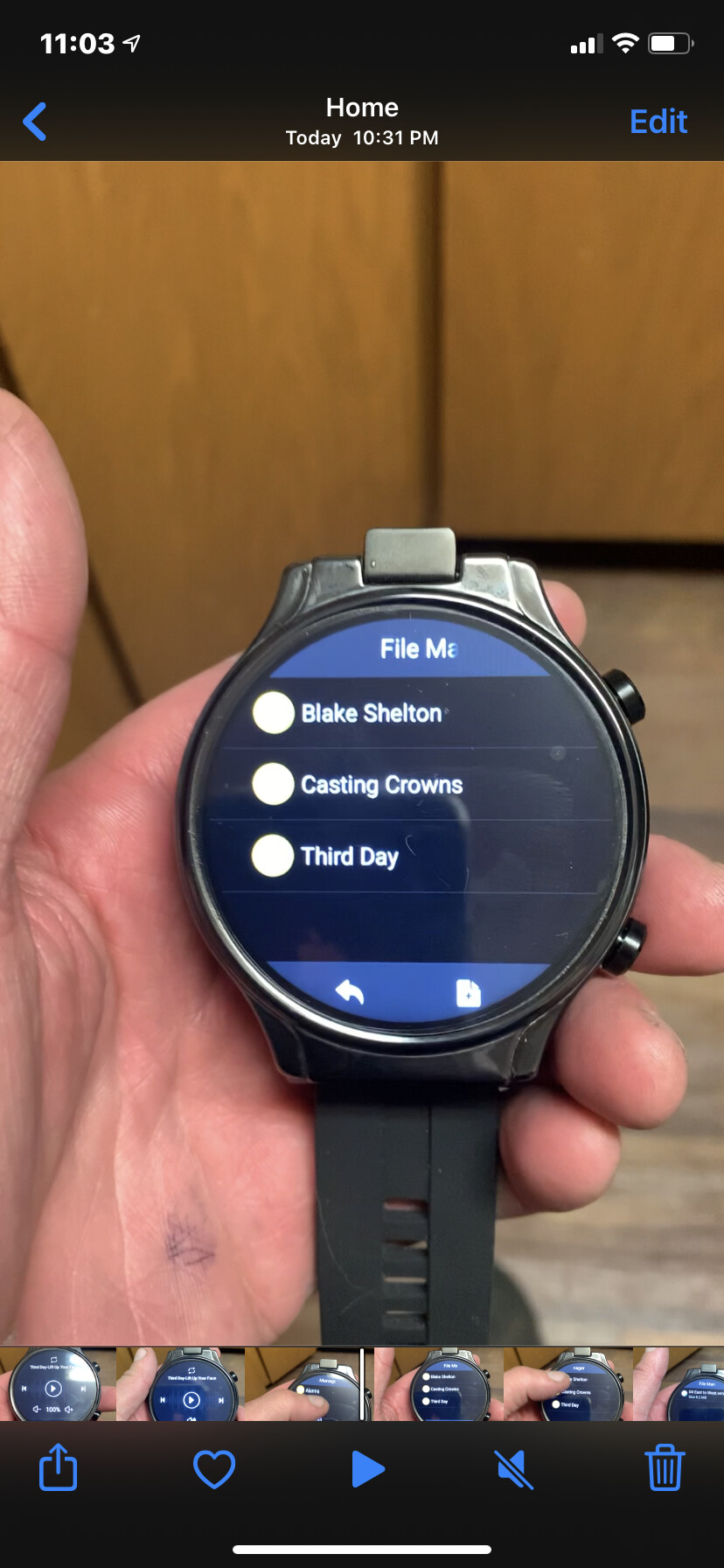
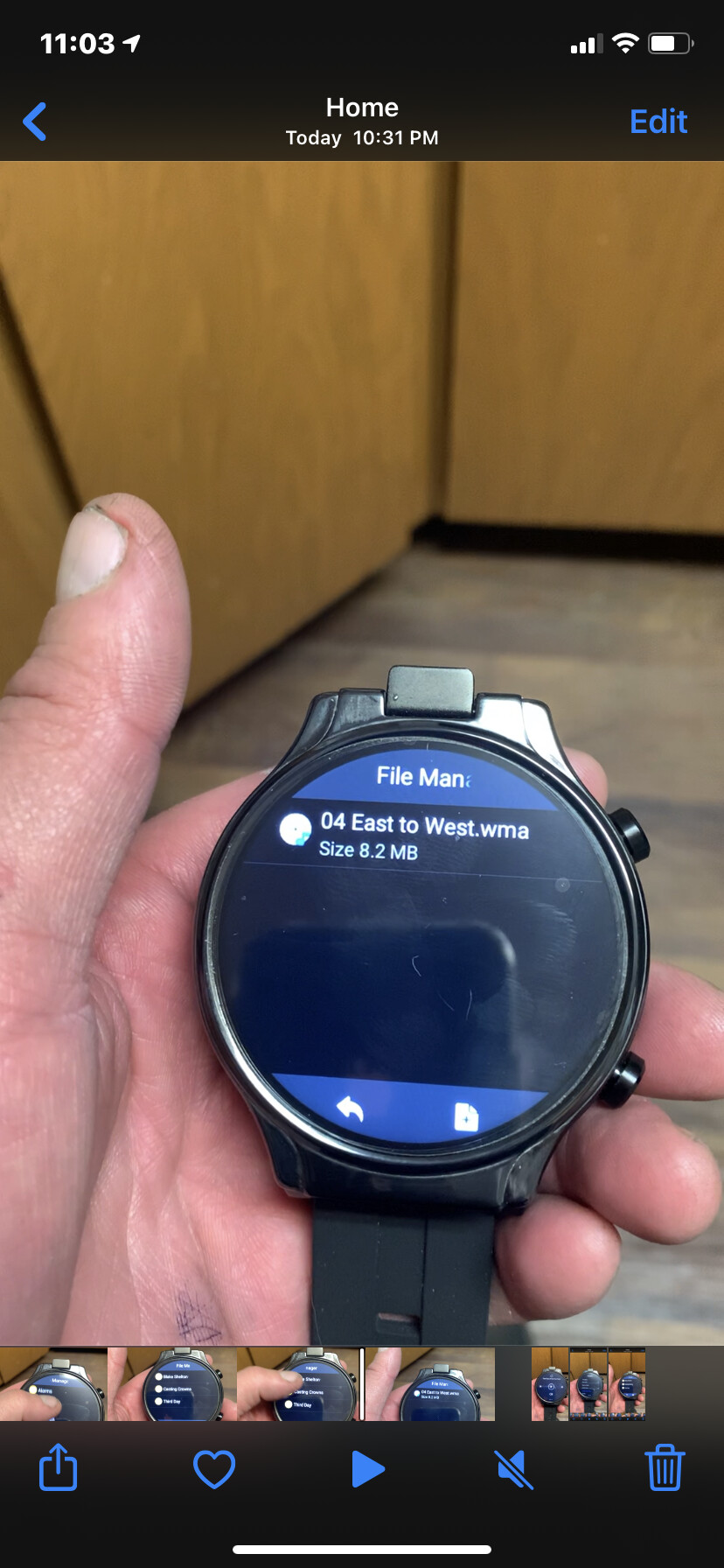
What format are they?
Normally the basic app included in the stock firmware needs MP3 format and you have to grant storage access to the music app in settings / apps
You can install AIMP from Play Store, it’s one of the best fully free music players on Android (and on PC too IMO).
It’s a lot easier to copy files between two devices using TrebleShot - it’s FOSS (free and open source software).
5 Likes
Cool. Good idea for music
2 Likes
Hello everyone, I hope I don’t irritate people with the following basic question. I am a non-technical gadget enthusiast and my Prime 2 arrived a couple of days ago. I absolutely love it.
I think I am doing something wrong with Contacts though - they are not syncing with my Google Contacts. I am on version 1.4 of the firmware and have installed the Google Contacts app. I have searched this topic and this issue is mentioned in passing but I can’t see anything I can do about it. If anyone has any tips they would be gratefully received.
All the best.
You have to use Bluetooth to sync at the moment.
The new firmware version is fixed for normal sync.
But it has not been released yet because it is not quite ready.
But BT should work
Actually I answered this exact question just yesterday I thought?
3 Likes
Hi sorry if you mentioned before. This will give you an idea of the level I’m at, what exactly am I Bluetoothing with? Thank you.
Your mobile phone
A bluetooth connection with your phone . This will sync over contacts . Thanks
1 Like
Thanks @Dr_Andy_Vishnu
That’s exactly what I meant 

1 Like
By the way everyone,
@Eric_Crochemore has tested the new WiiWear phone tethering application and the guys have fixed the issue with signing in for the account activation.
So hopefully it should be ok now to use as a basic “phone to watch” tool.
However, we still recommend WatchDroid (Support thread is here on the forum) for more features and functionality.
Cheers.
6 Likes
Thank you both – getting a “cannot import vcard message” - do you have any ideas? Should I just add manually and wait for the firmware?
Is your phone an iPhone or Android?

You need to be on this screen in the contacts app, by swiping to the left.
Then press import and follow the instructions.
With devices paired of course 
1 Like
Go and get settings search apk (search it here) or… ahem… ask a certain doc for it.
Then in the app scroll far down and hit “sync”
Scroll down a little and check that automatic data sync is turned on.
Once you made sure its on, Press on the “google” at the top, then scroll down a little to see if both contacts and personal details are checked on, on the google account!
Im not sure why account sync is so unreachable. I’m getting my watch next week so I’ll test it then
Sync for Google services is disabled in the system unfortunately.
So some things just will not sync. So I have asked for it to be turned on in the next version.
Very frustrating 
3 Likes
I think heart rate on the P2 isn’t calibrated correctly. From the start it seemed to be giving readings significantly higher than my other watches. Just now I compared it with a blood pressure monitor and indeed the P2 was registering about 10 bpm more than the monitor.
Did it through the Windows music player so they came across as WMA files. I tried to load a converter so switch them to mp3 but the program wanted me to add extensions to the file name. Too involved. Will follow @StormChild’s advice after I remove all I downloaded.
1 Like
Correct . Although i did get excited when i first found it in settings search 
1 Like