If you go to the settings / general / about / All / system version - you will see the kernel version.
Tap on the kernel version until the engineering menu opens. From here you can set the bands in the modem options.
If you go to the settings / general / about / All / system version - you will see the kernel version.
Tap on the kernel version until the engineering menu opens. From here you can set the bands in the modem options.
Hello everyone. Could someone help me with my problem, please? My vwar core 5 doesn’t react to double clicks when it’s locked though I have turned this setting on.
It should be instant
Maybe check the lock screen settings and the watch face and which launcher you use.
Have you checked the settings under the Display options?
@SmartwatchJos What’s your firmware version? If it’s the Chinese version it won’t work. If I remember right.
See post 130 = English version.
You just updated to version 1.6 EN… right?
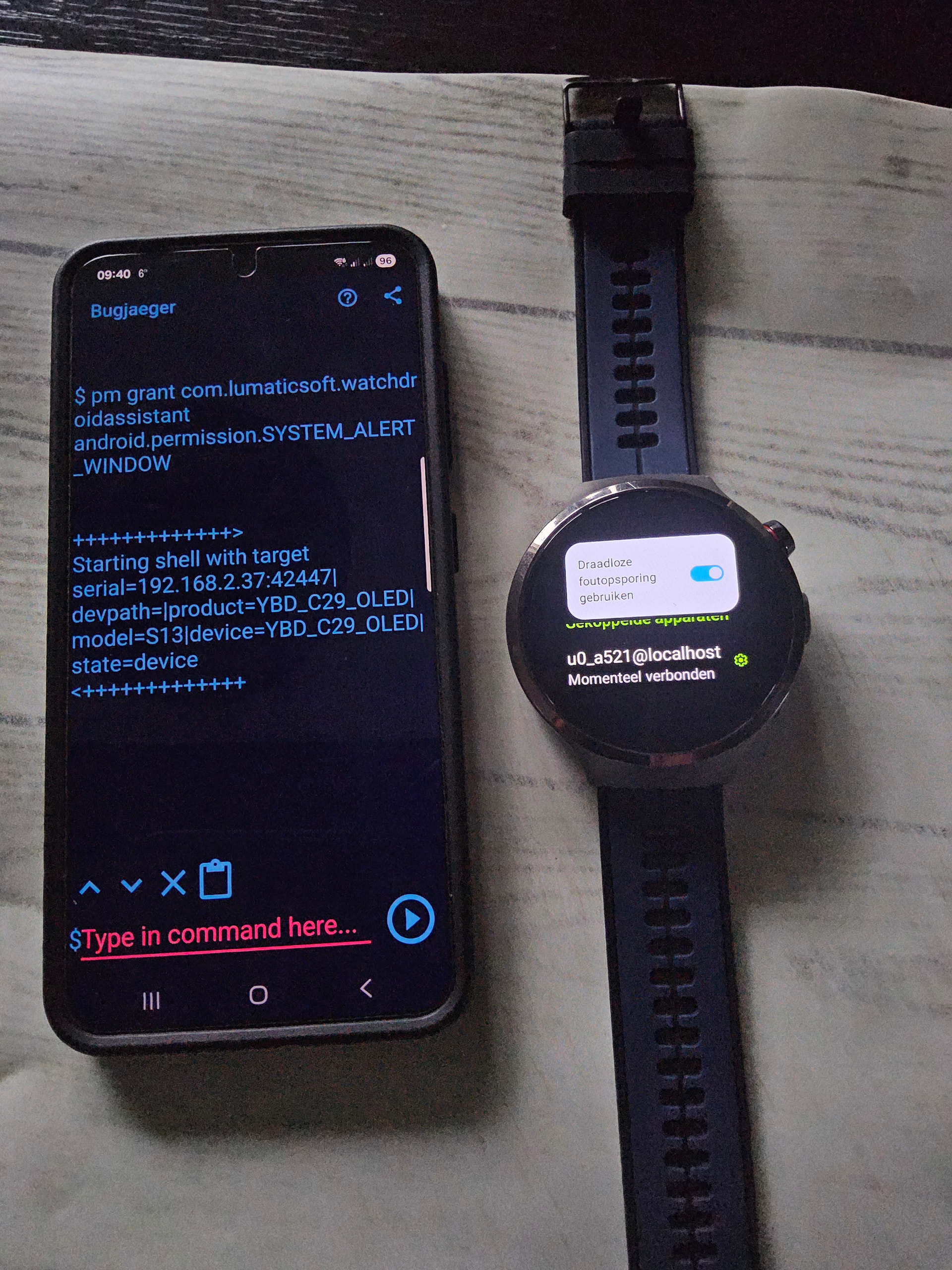
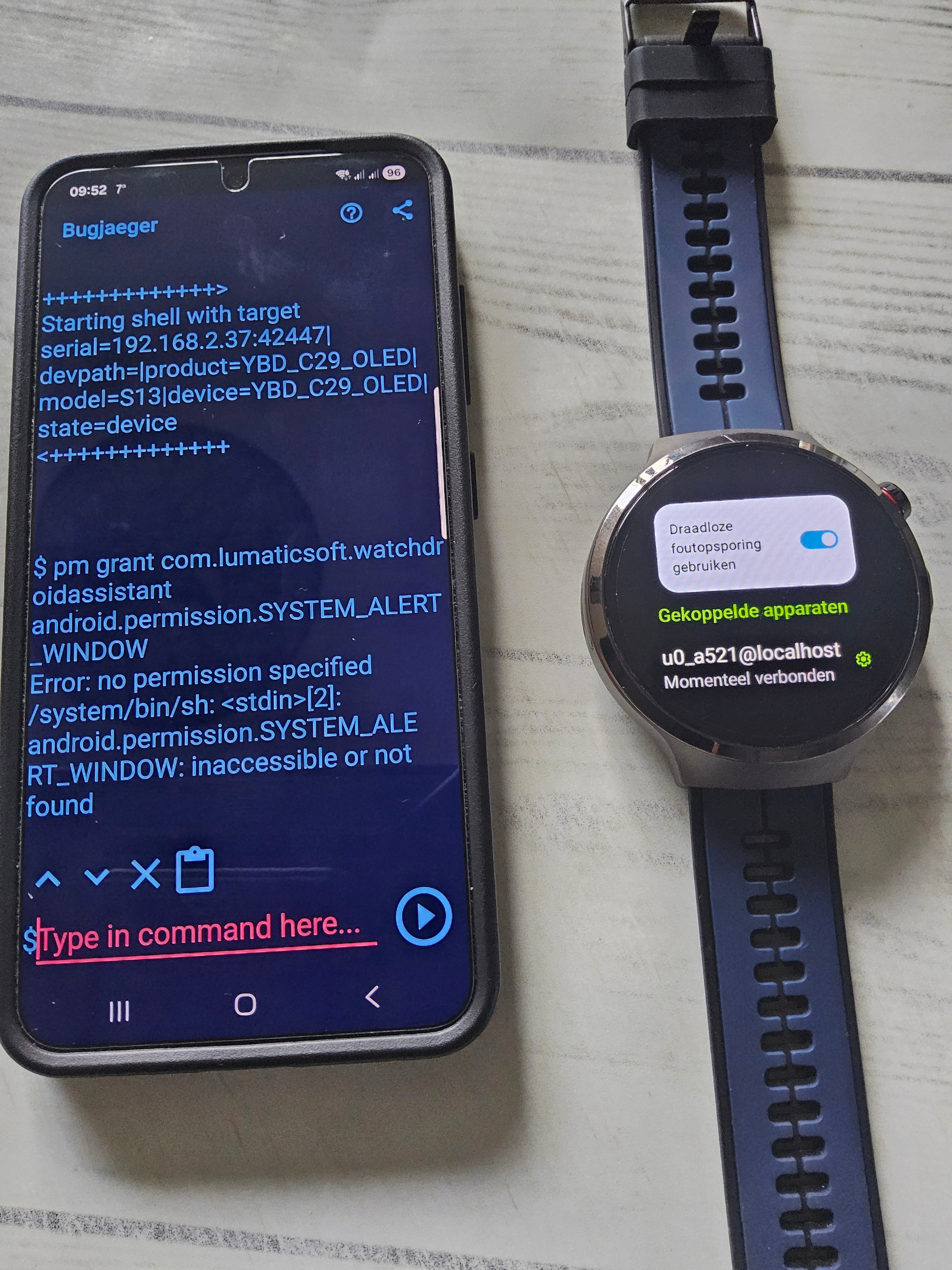
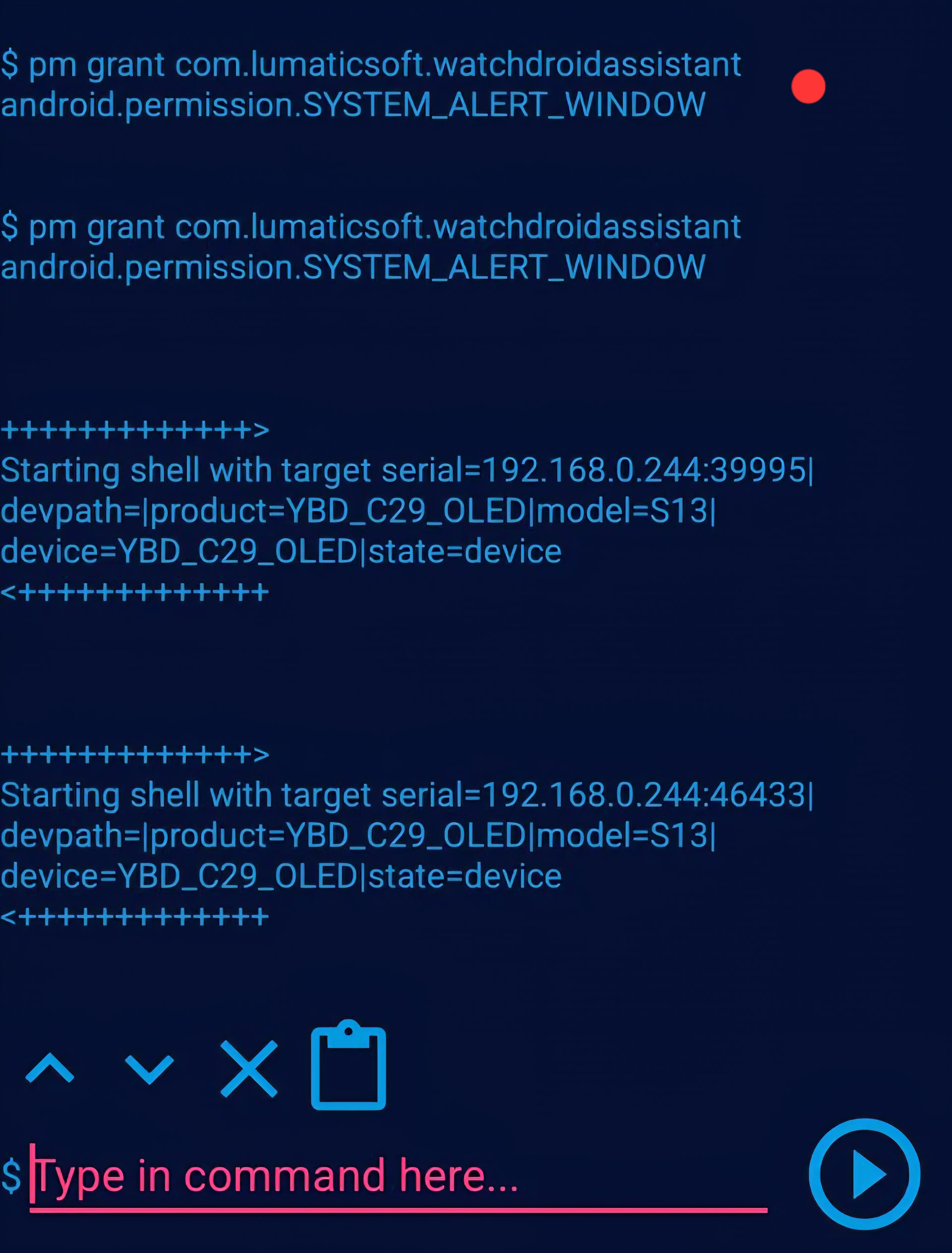
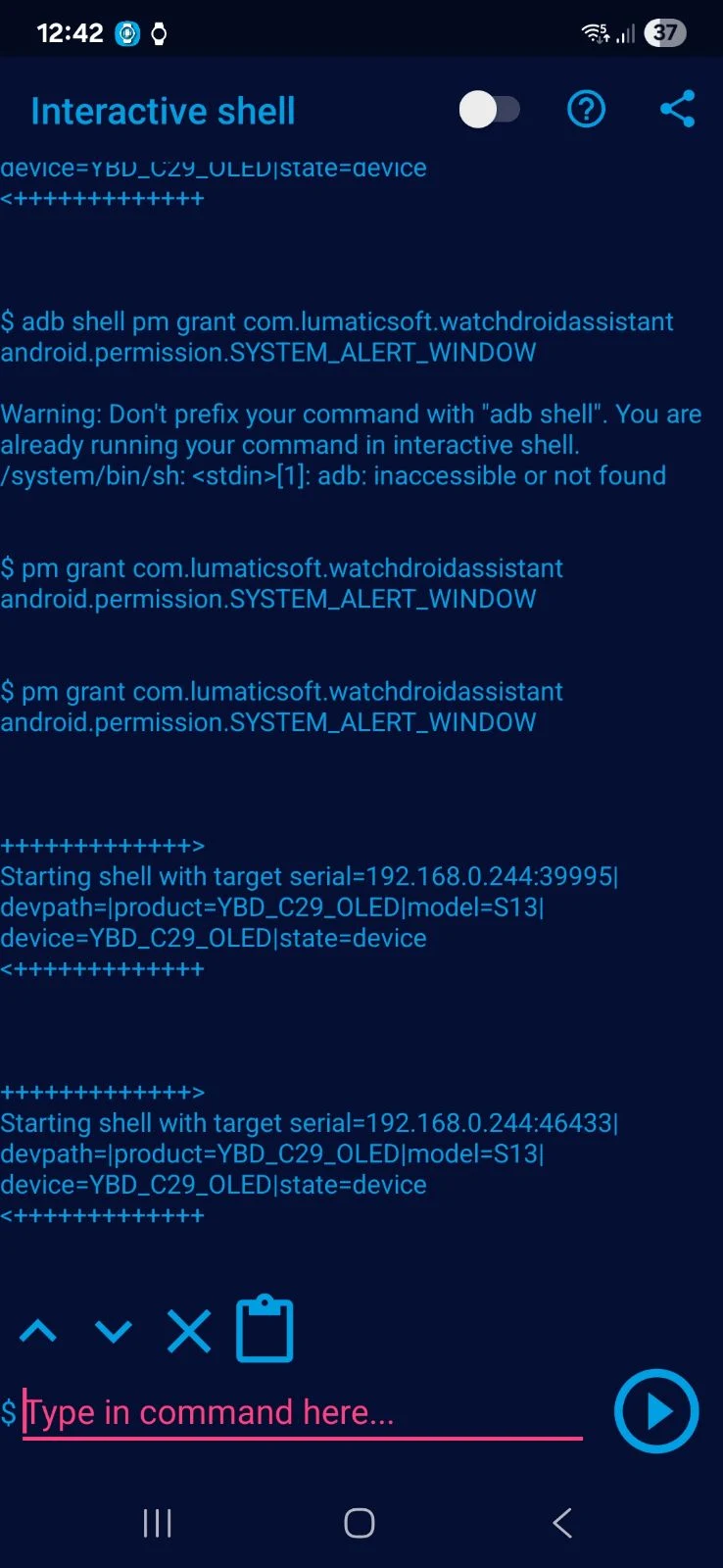
Did you re-enable developer options? Once you have done this you can use the command to enable display over other apps using ADB.
Hi everyone, I finally managed it.  After the third reset, I turned on “display over other apps” for WatchdroidAssistant.
First, I installed WatchdroidAssistant from Google Play and then run Bugjaeger. Piece of cake…!!! 
Thanks everyone!
Yes, I’ve checked lock screen and display settings. I don’t use any launcher, it’s default.
I don’t know what’s wrong with my watch since about three days now…
A fully charged watch at about 11pm would be dead before 6am next day. This is unlike the battery life I know before.
Right now at 88% it is showing 3hrs remaining.
Sorry mate,
Can you please remind me of your watch model?
Is it an S13 or different model?
Equipment name is S13
Best way to start is to factory reset the watch
I always power my S13 off before I charge it.
Have you tried charging from a PC usb port while the watch is off..?
No, I haven’t.
But I will try this out.
Powered off and charging with a PC USB port.
I do charge my device powered on because it almost never goes off. I do have more than 5 days of uptime.
I just charged daily from 9 to 11pm daily.
I even drained the watch completely, left it completely drained for a whole day then recharged powered off with a wall socket.
It got stuck when it is almost full for about an hour. then when I was finally full,I let it charge for an extra hour.
When I powered it one, the watch was at 96% and still drained quickly like 4hrs of being idle.
Is it possible to get a replacement battery for the watch?
Hi guys. New here glad to be here. Has anyone gotten T-Mobile USA sim working with Call, Text and Data on 4G/LTE? I know people mentioned triple mode but for example I tried VWAR S7 Ultra (Android 8.1) and it worked for data, text and outgoing calls but no incoming calls on my T-Moble sim so just want to make sure this will work. Thank you!
Smartwatch Ticks always discusses T-Mobile SIMs in the States with these watches, as he lives there.