I thought I spoke to you about the Kickstarter and advised what was coming? My apologies if I have the wrong person. So many messages…
I’m not trying to have a go at you mate. I am just trying to get the best results for everyone..
Either way, no problem.
It’s not like there’s anything in it for me. So don’t take offense because I must be getting my wires crossed. I certainly don’t have any “power” though..
And fair point about messaging you. It was late here in Australia when I wrote it and I was having a shitty day.
PS, I edited your post because I thought it better than opening a new post for the same watch.
Less confusing for other visitors.
But again, fair call - I should have messaged you first. I guess now that I’m a few months away from being 60 yrs old, I’m losing it and becoming a bit of a c##t… lol
That makes sense. I definitely have my moments too and probably should have messaged you as well haha. We’re all good and sharing a love for a niche product!
Thanks for the thread and the code, @pablo11! Two questions before I order, for anyone with a 7 Pro (or @Dr_Andy_Vishnu with the sample)
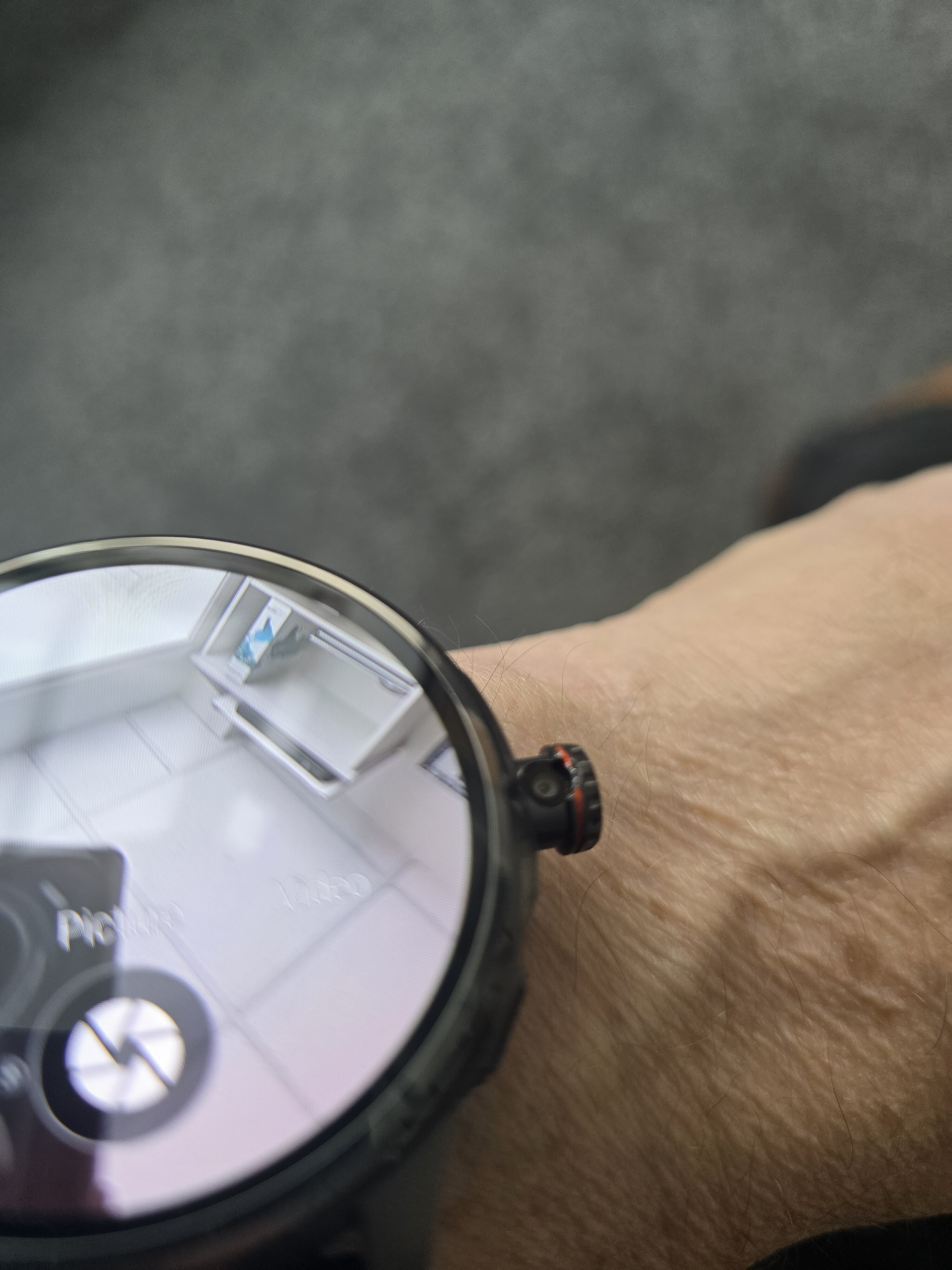
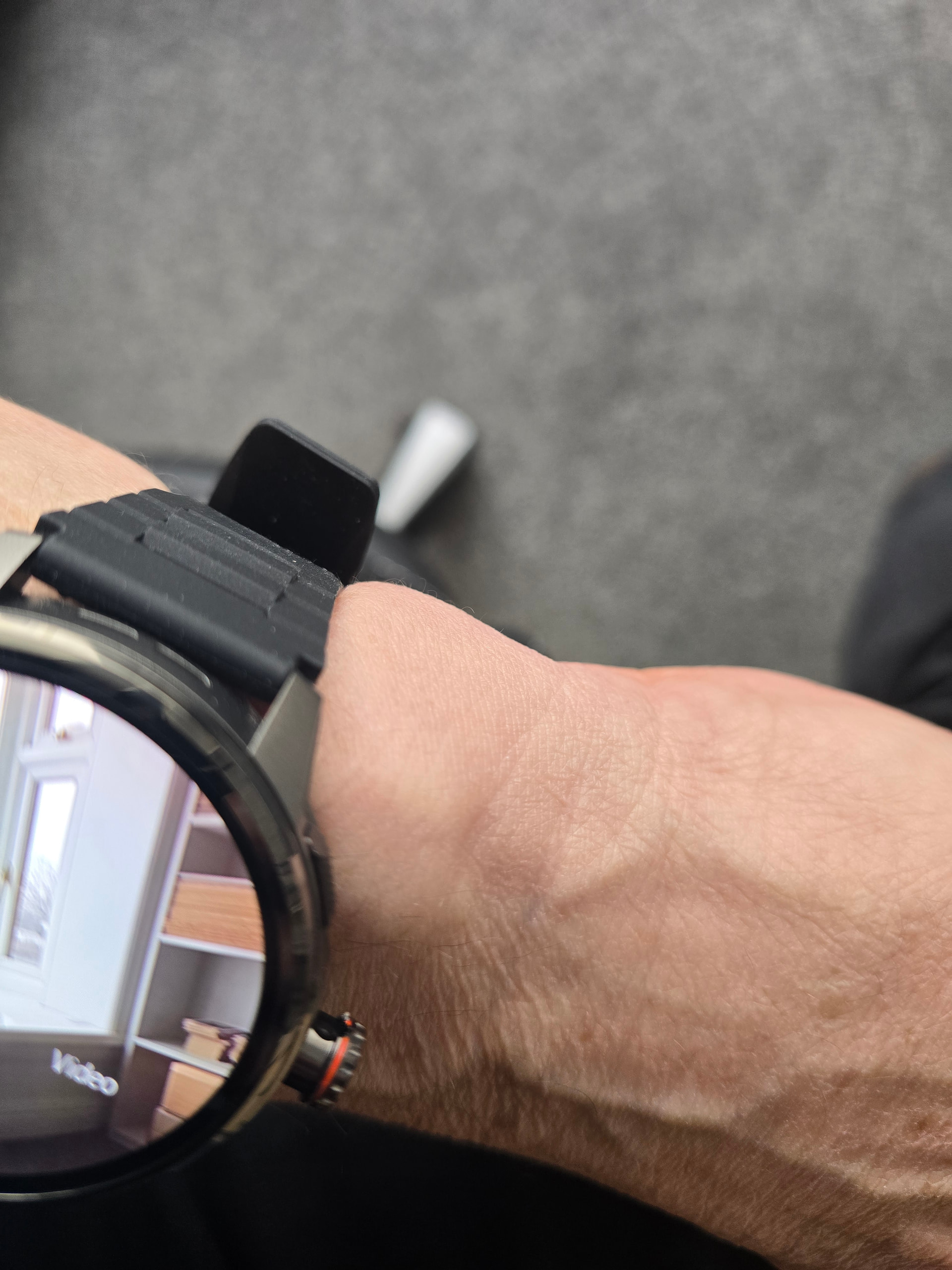
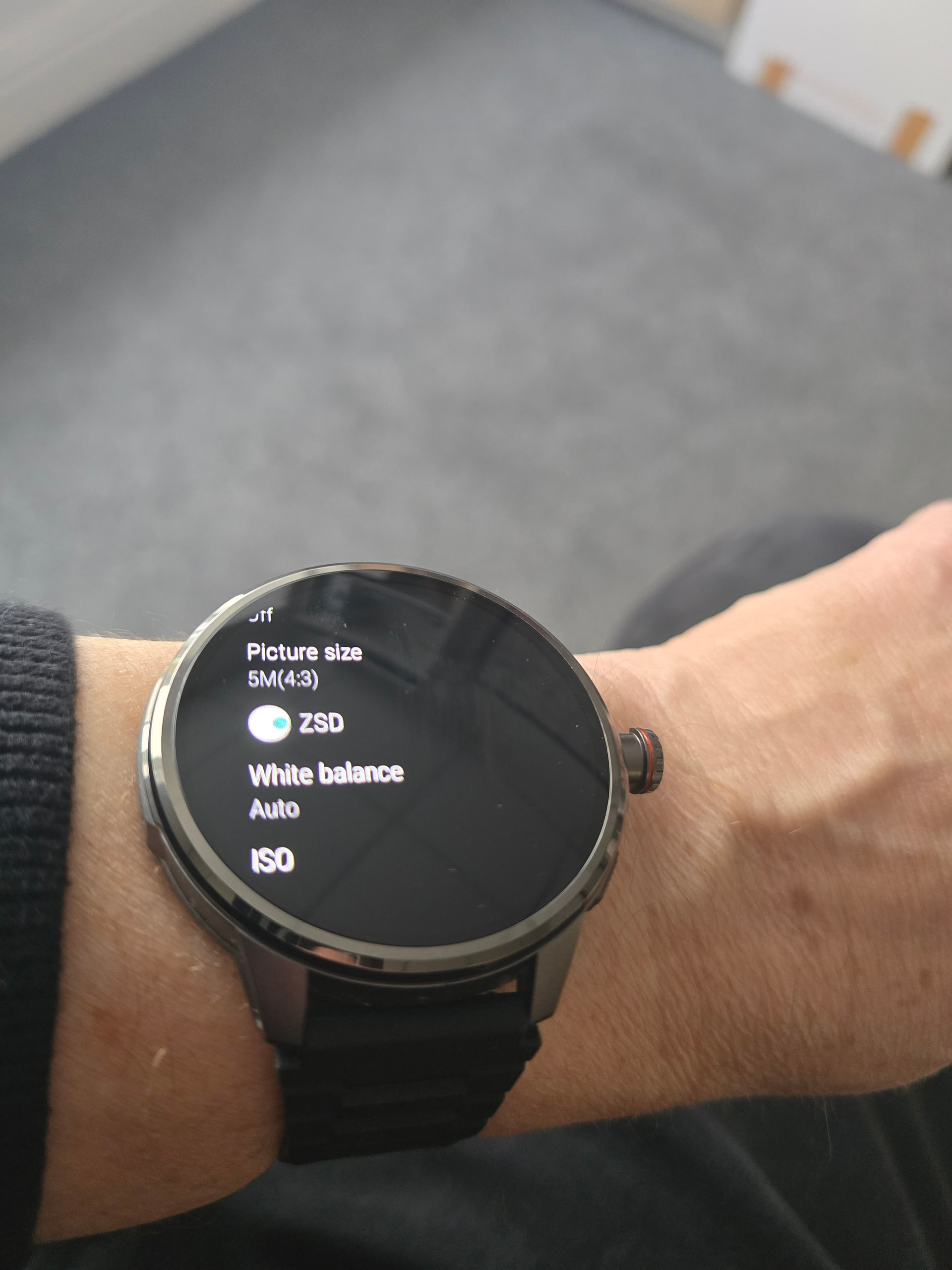
Which way does the 5 MP camera face? Is it a front/selfie camera (pointing at you when you look at the screen), a rotating/pop-out one, or only an outward one? Does it show up in Android as FRONT or BACK, and is the selfie image the right way up (not flipped/rotated)?
Has anyone tried face verification with it? Things like bank/payment app “liveness” selfie checks (Mercado Pago, banking apps), Face Unlock in Android settings, or any app that asks you to take a selfie of your face. On my old M99 these all failed because its only camera reported as BACK and came out flipped.
do i need a 4 pin charger to transfer files from my pc to the watch…and if so, can you direct me to a working example? there seem to be a few choices…working and not working
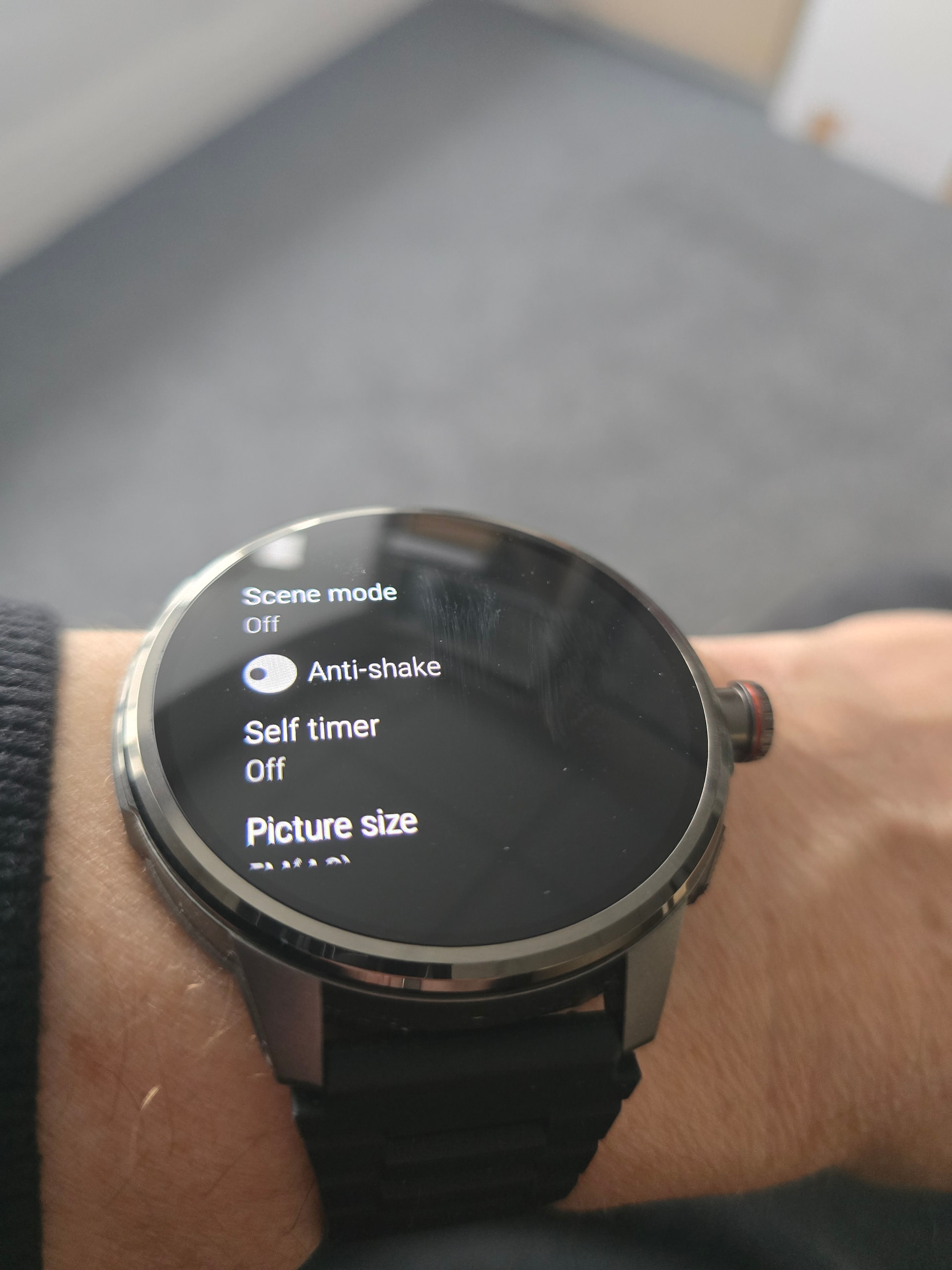
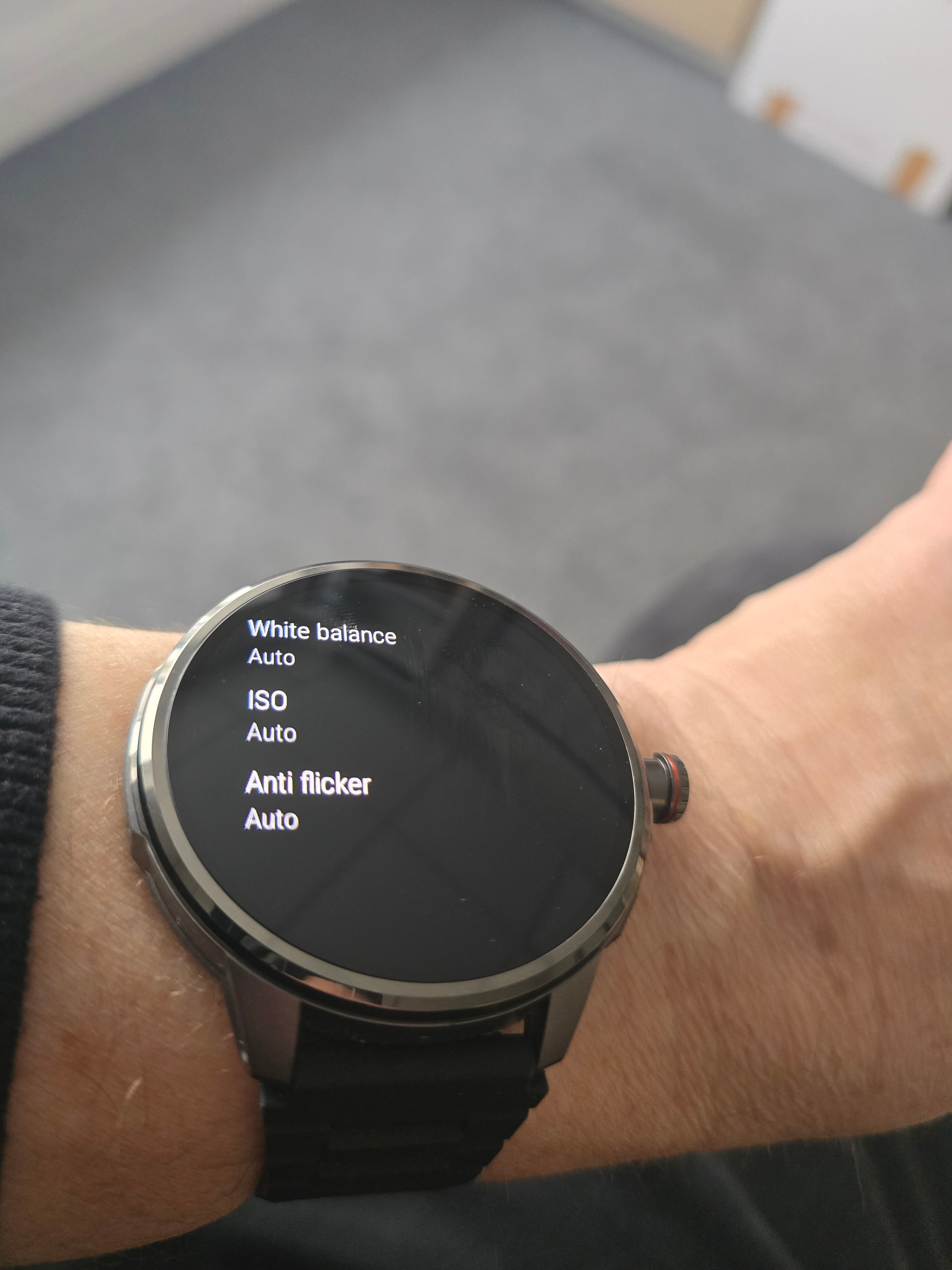
Thanks a lot @Dr_Andy_Vishnu, the photos really help! So it’s the pop-out crown camera that rotates 180°, same idea as the M99 I have.
Two follow-ups for anyone with the watch:
When you rotate the camera toward your face, does the selfie come out the right way up, or flipped/upside down? And in apps that ask for the front camera, does it switch to it?
Has anyone rooted the 7 Pro yet (Magisk on the boot image)? On these MediaTek watches that should be doable, and it would let us fix the camera being reported as BACK for apps that need a selfie (bank verification etc.).
Mine came with a four pin circular usb dock / cable like the S13 design shape and size. File transfer is really good and fast. Wifi is 2.4 + 5ghz but speed is capped to around 60 to avoid heating issues.
Unlike the S13, usb debugging and developer options are available out of the box with MTK devices. Having said that, it’s worth checking when you are ordering.
@eldandaman these devices are not Google certified so any apps that require certification from play protect will not work. But that’s to be expected at this price point.
You would have to use magisk or similar to load obfuscation modules at boot time to spoof certification.

 .